




Once a claim has been processed, you'll find all the detailed repair information and repair processes in the repair bay for each asset submitted.
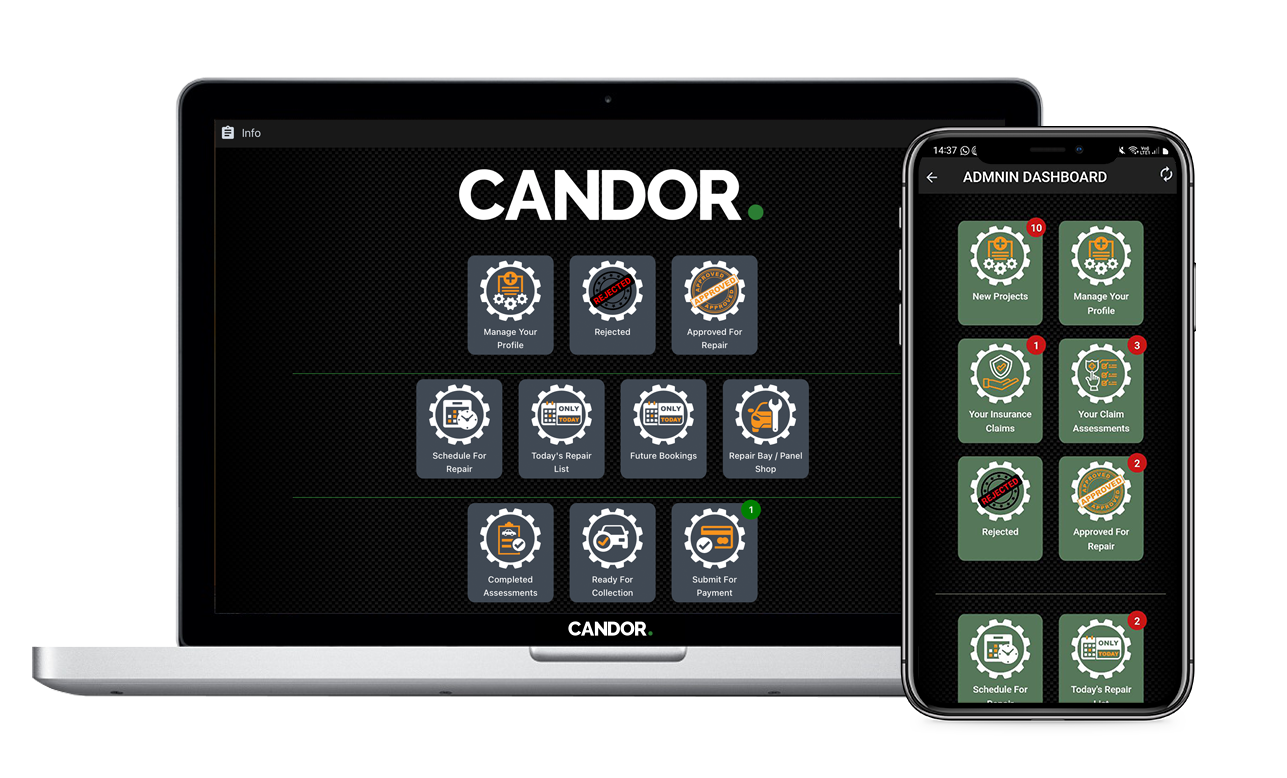
We've designed Candor. to grow organically by changing the way how and why Insurers, Brokers, Assessors and Repairers get on-boarded.
Nobody wants to be hounded with empty promises and over-marketing, so we've allowed the client to drive the process from the start.
This way, when you get notifications from the Candor. application, you'll know it comes from one of YOUR clients, putting THEM first.
The back-office functionality of Candor. allows for seamless authorisation and integration of the entire claim process, as well as approvals from each section.
With Candor., you'll discover a new level of openness and honesty throughout the claims process. Our user-friendly interface ensures that you stay informed every step of the way.
No more hidden fees or surprise costs to your clients — Candor. provides accurate and upfront pricing, giving your clients the transparency they deserve.
We understand the challenges faced when it comes to clients managing claims, and incorrect insurance details as well. That's why we have developed a user-friendly approach that empowers you, the insurer or appointed broker, to take control of the claim process, making it faster and more convenient than ever before.
On claim submission from the user via the Candor. App, the email address used by the client, when on-boarding their asset and insurance details, is used to receive a 'Claim Targeted' email.
This email offers a link to open a browser page to whomever receives the link, containing a basic yet informative set of information about the claim, as well as the photographs taken of it.
Thus affording the ability for the correct person intended on handling the claim to get access and be the authorised end-point through the claim process.

The Claim Outlined
Once a claim has been submitted by a client using the hassle-free claim initiation feature on the Candor. app, working on a claim has never been easier or more convenient for you. With just a few taps, you can begin the process of getting this claim on track.
Open Email:
When a client ads an asset and links insurance details to it, the email address from that gets used when a claim is submitted.
Open website:
Before proceeding, you can simply forward the email to the correct administrator, or open the email to view the claim details.
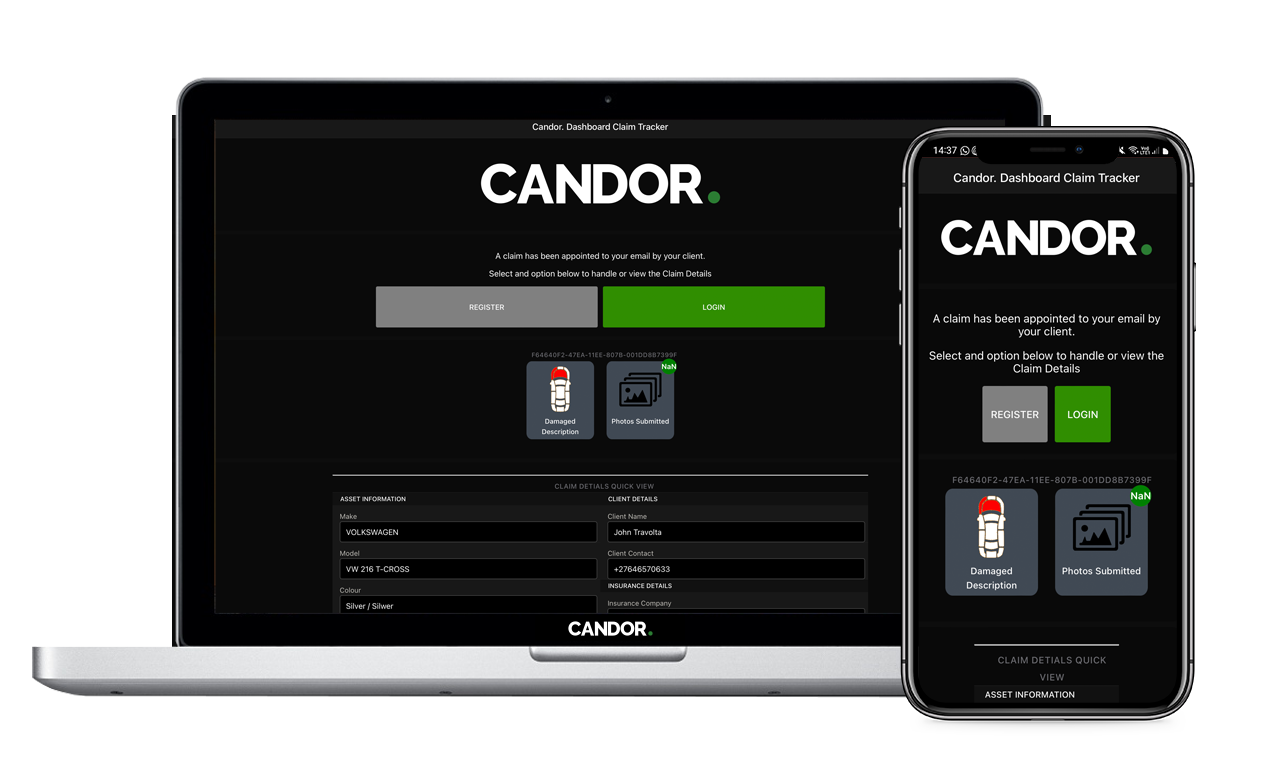
Email Landing Page
Claim Information Overview
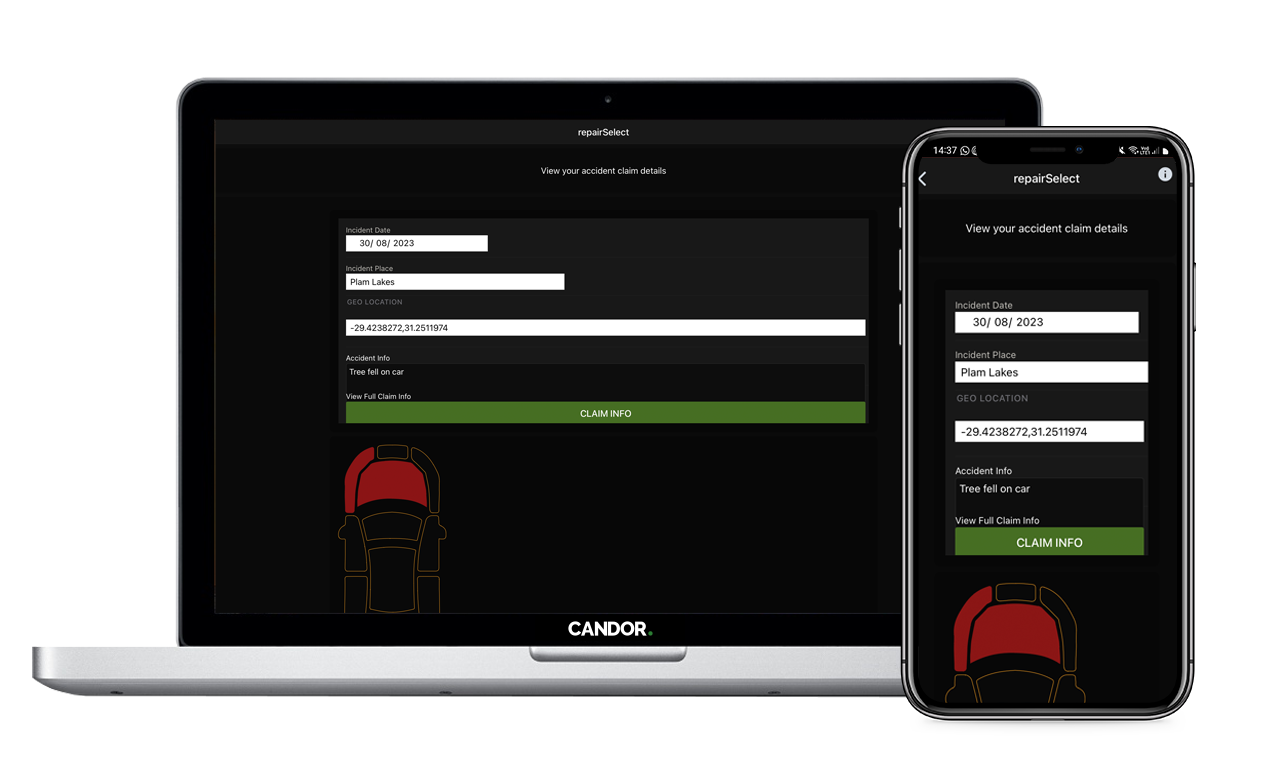
Damaged Parts
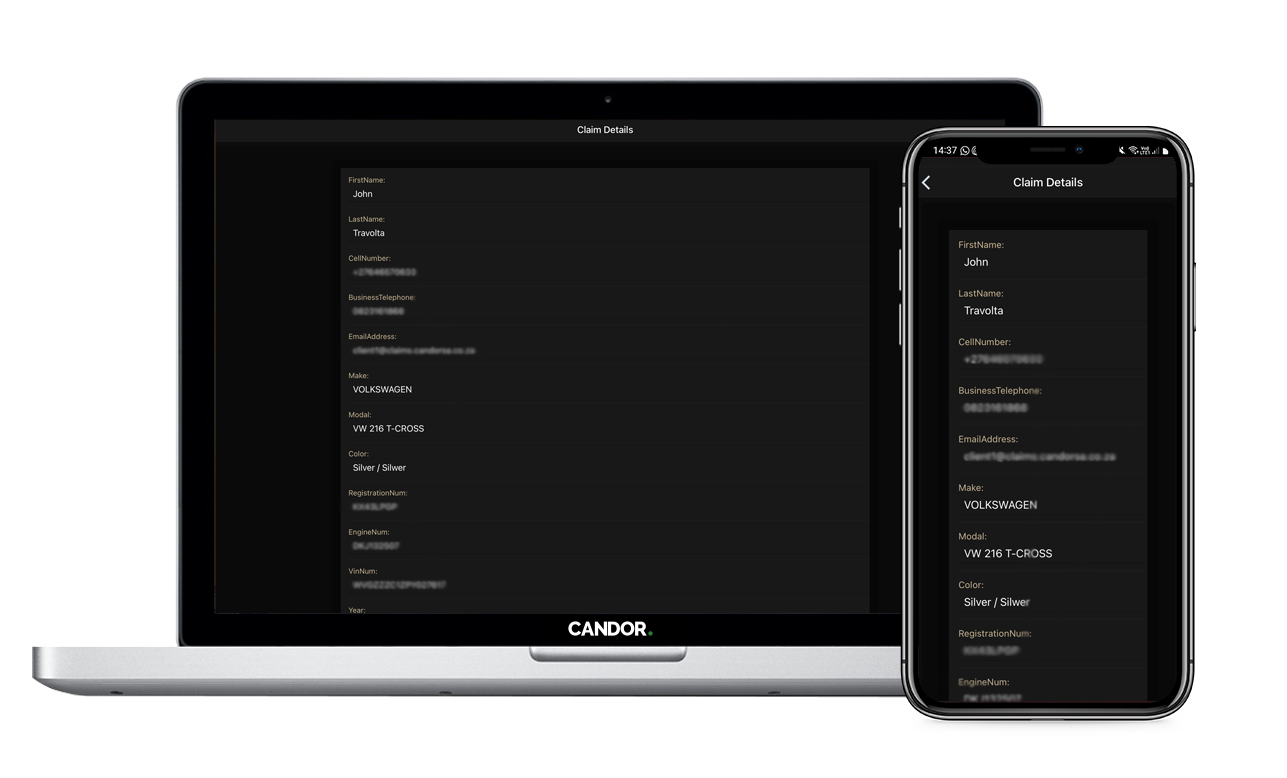
Insured Details
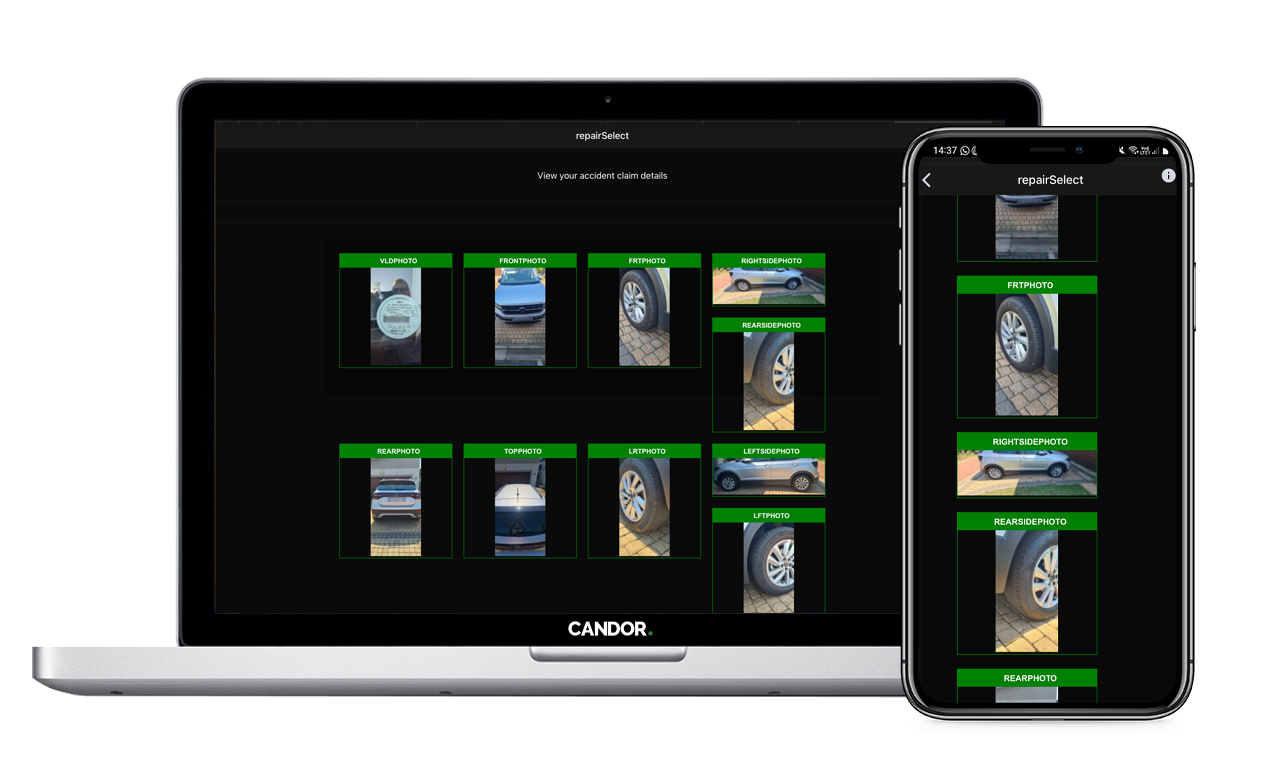
Extensive Photo Required
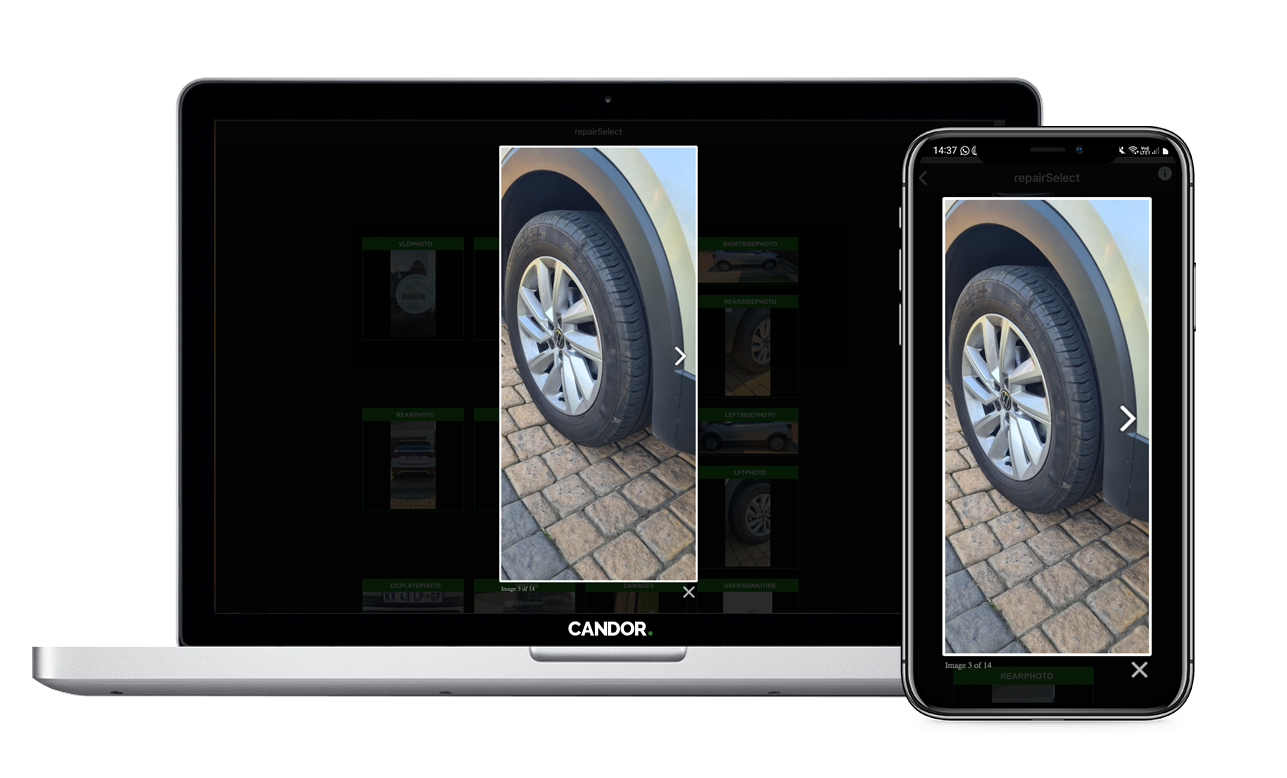
View Detailed Photo
Accept to moderate claim
Register:
By either registering to join this system for the first time, we create you an Insurer/Broker profile, and at the same time we will modify the users stored end-point details with the correct ones you provide.
Or Sign Up:
Just like when you first registered, we will update the claim asset insurer information with your end-point contact details provided.
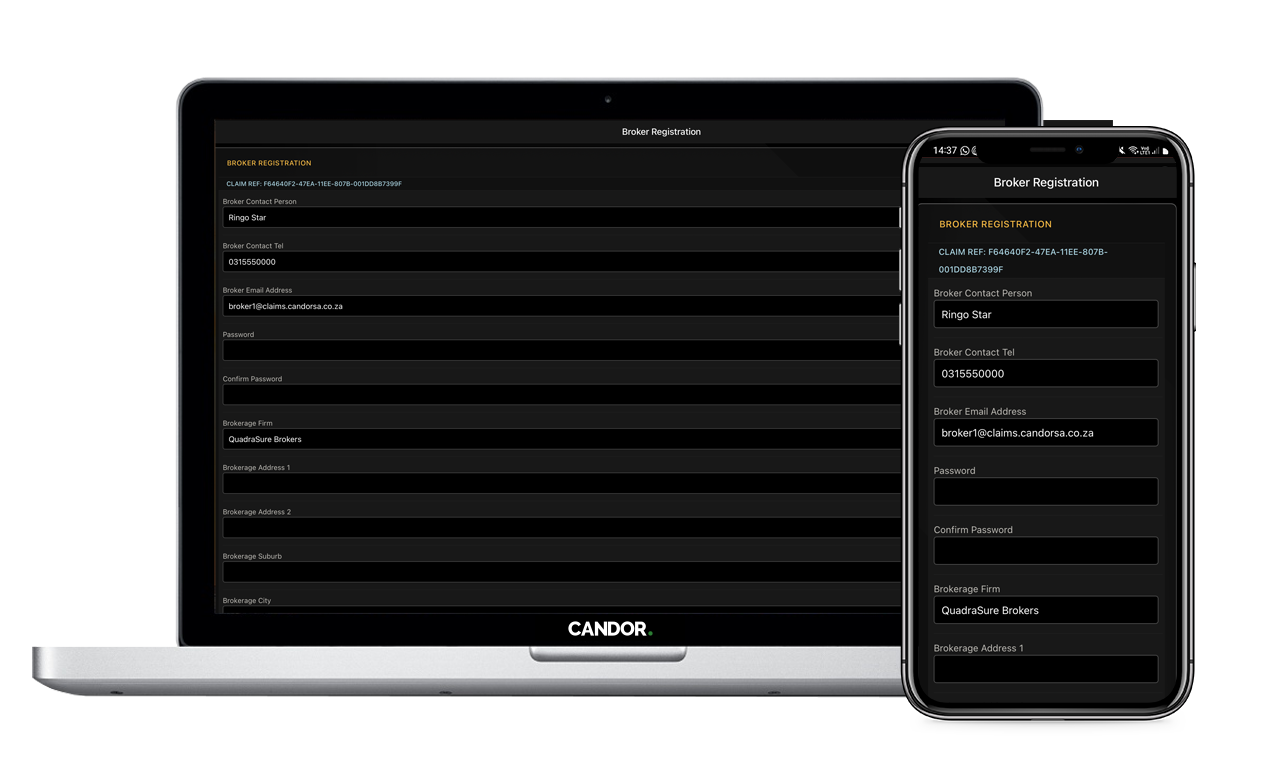
Registration Made Easy
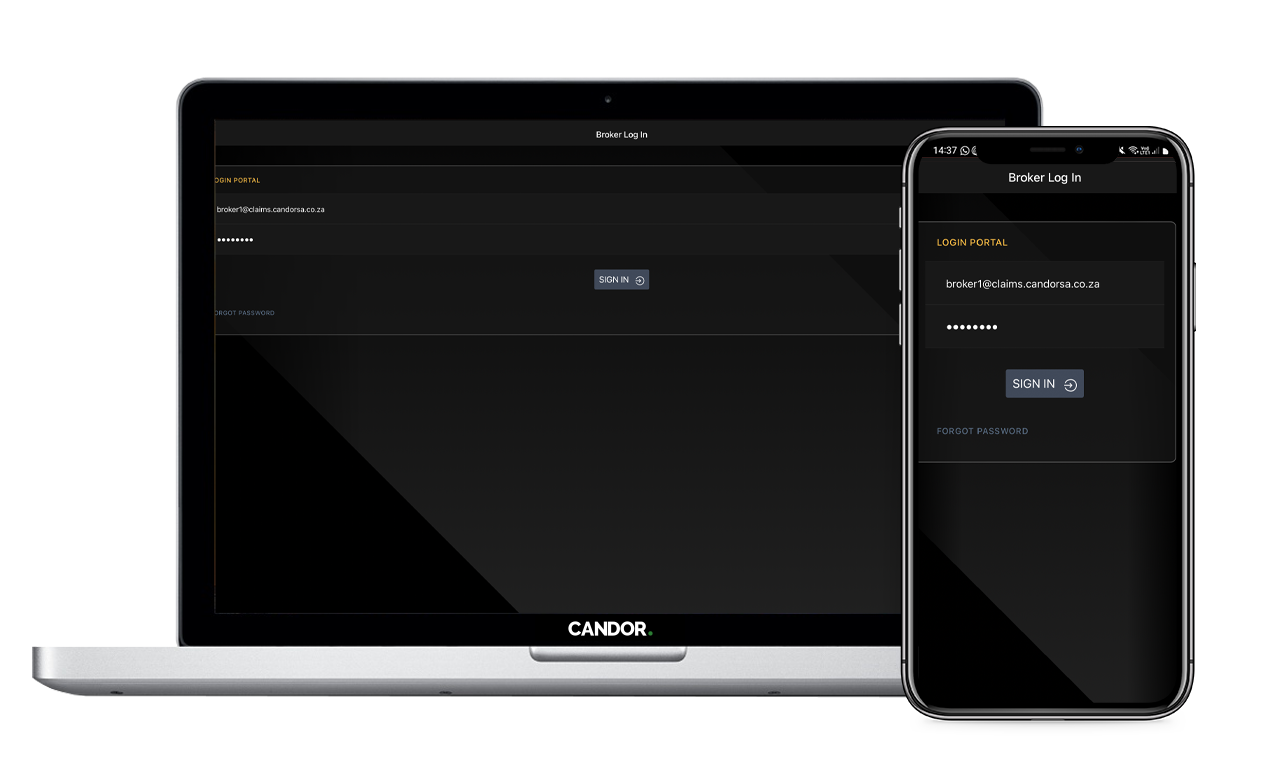
Sign In Made Easy
Add your own preferred assessors and panel shops
Select Preferred Suppliers:
So far, you're the only one on the claim. Candor. will make a selection of assessors and repair shops available for you to select as your preferred supplier. Any interaction within the authorisation process and key persons are selected here. Once selected, they will be added to a shortlist for you for easier handling.
Or Invite them:
You may not see your preferred supplier, so we've created an easy way for you to invite them. You simply choose if they are an assessor or repairer, fill in their details, and we will invite them to join the Candor. system as a service provider.
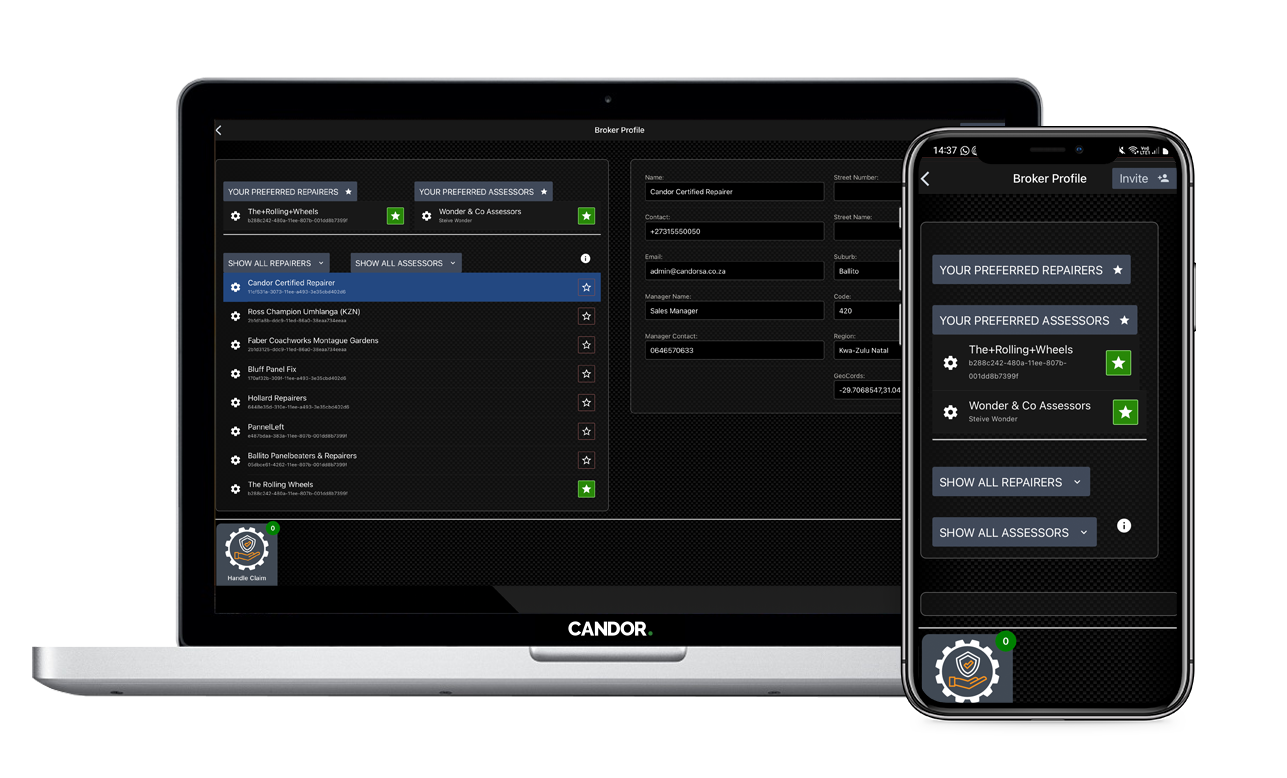
Setup Preferred Suppliers
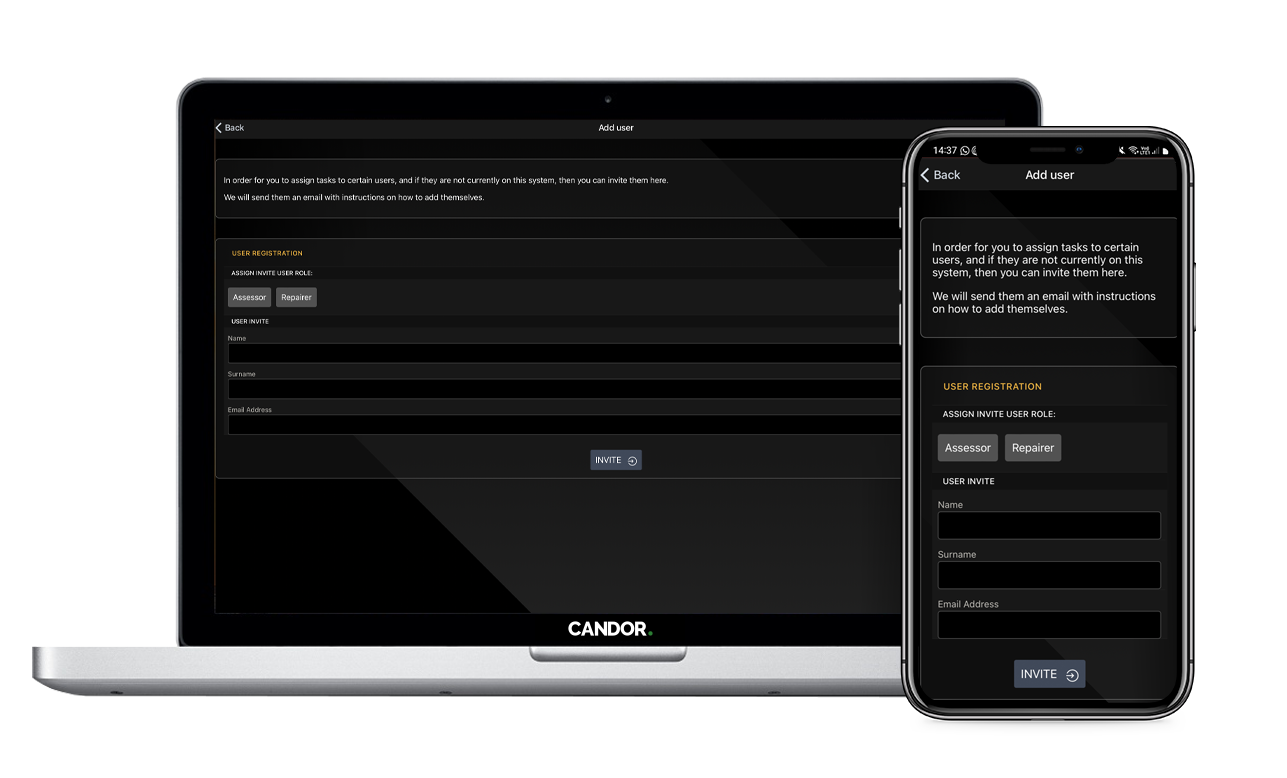
Or Invite Them To Join
Moderate the claim
Claim Console:
Easy to view and navigate information
The dashboard is laid out to display the following.
Electronic Authorisation Form:
These forms pull through all relevant data for streamlining and expediting purposes, and where applicable, we have auto filled in all the forms with appropriate data submitted to us, so when you get to action an authorisation form, you only need a few fields to fill out before passing it onto the assessor to complete.
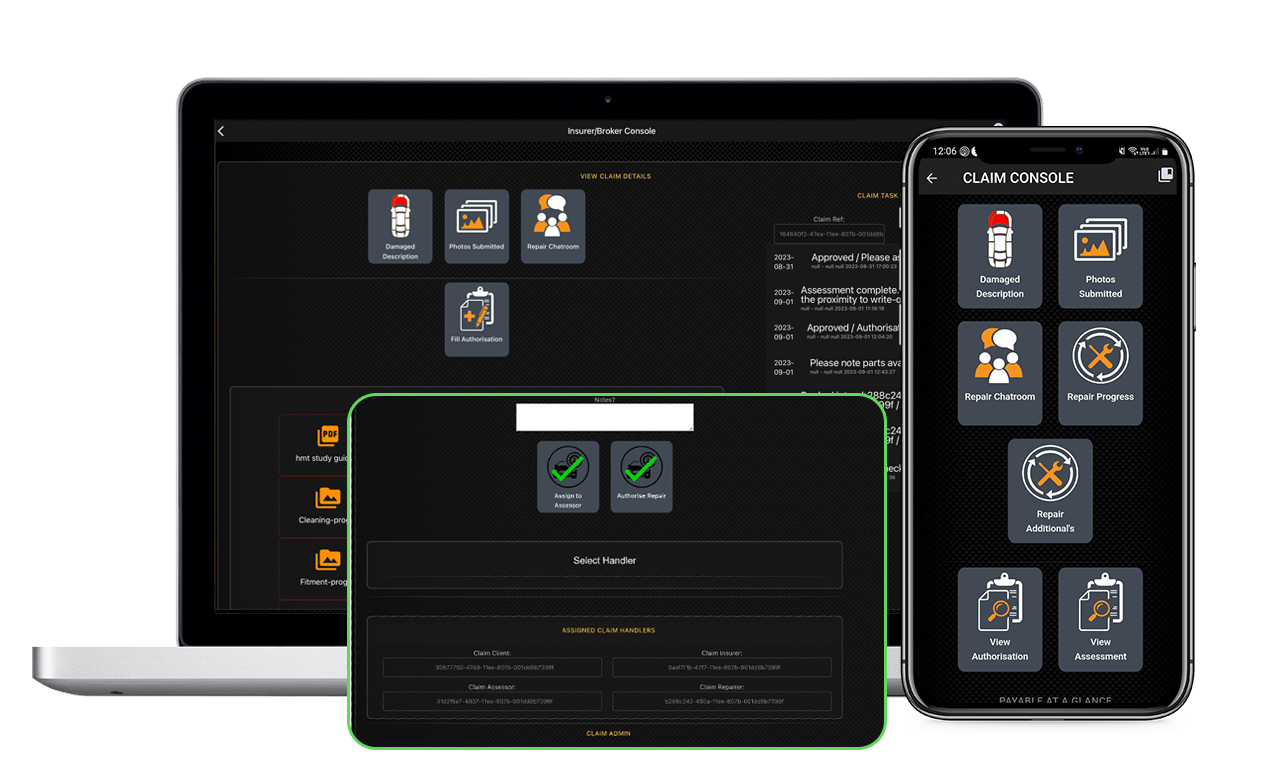
Assign Tasks To Providers
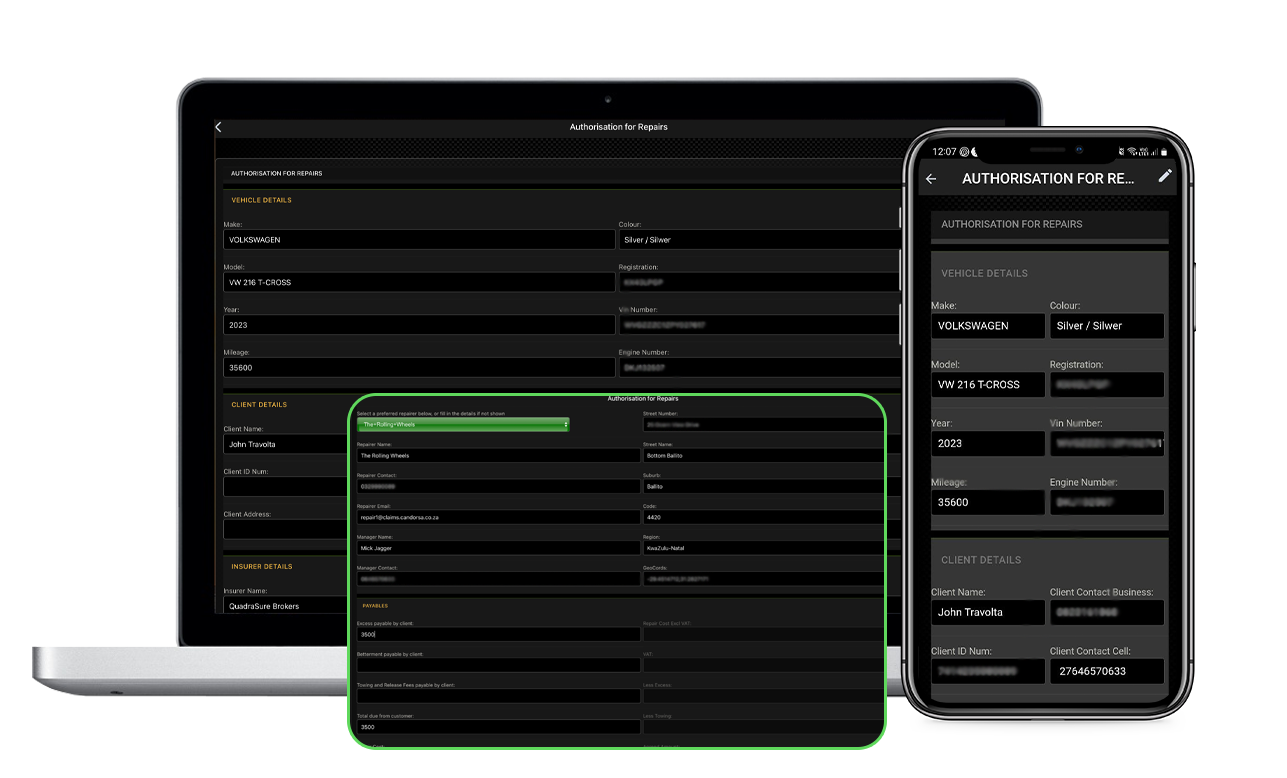
Auto Completion and Provider Selection
for Adding assessments and approving additionals
We understand the challenges faced when it comes to clients managing claims, and incorrect insurance details as well. That's why we have developed a user-friendly approach that empowers you to take control of the claim process, making it faster and more convenient than ever before.
On claim submission, the email address used by the client when on-boarding is used to receive a 'Claim Targeted' email.
This is an open browser page to whomever revives the link, containing a basic yet informative set of information about the claim, as well as the photographs taken of it.
Assessments and Approvals
We've created a section dedicated to your claims. Each claim is tracked and embedded with timed telematics for efficiency and accuracy.
When a broker or insurer nominates you to join Candor. for the first time, you have the option to join so you can be available for selection.
When a broker or insurer tasks you to moderate a claim, you'll still be presented with an email that links you to the same landing page the broker got, however, with your particular details attached to it:
By Logging in to view the claim console, you will be assigning yourself as the claim assessor for that claim.
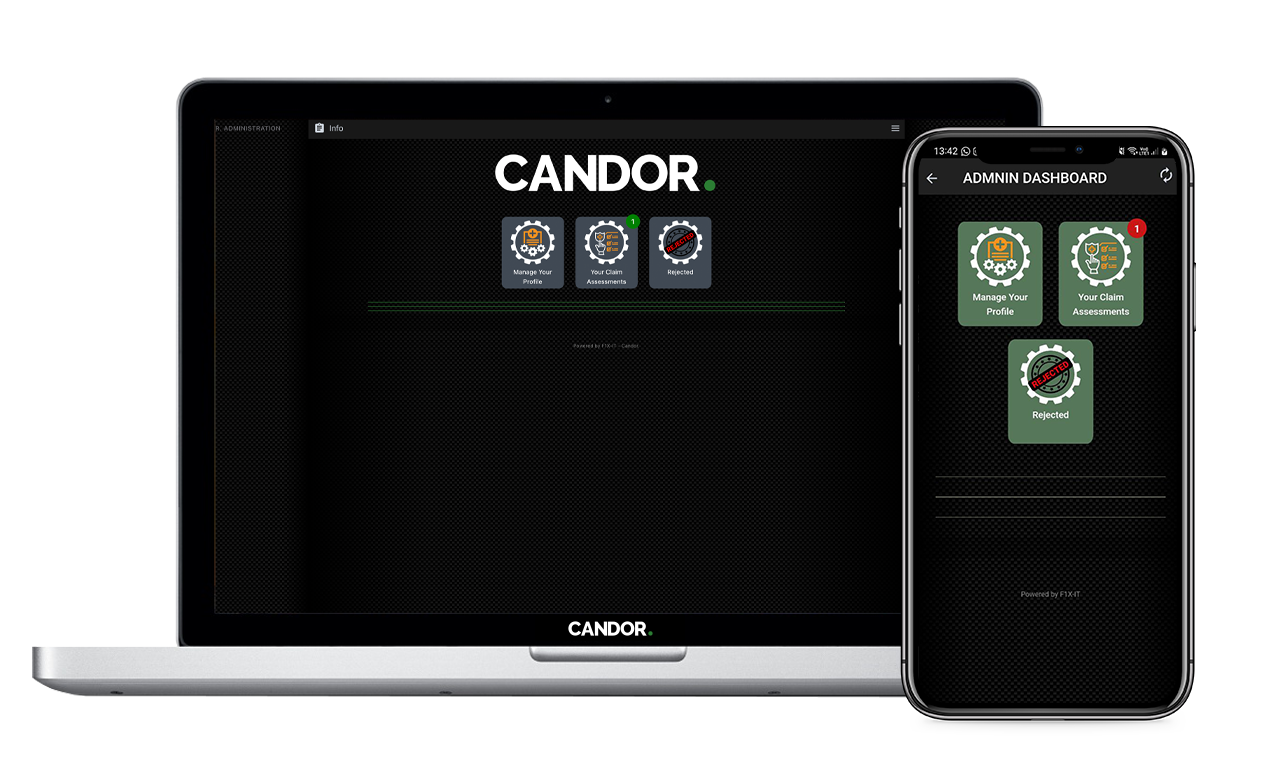
Access All Assigned Claims
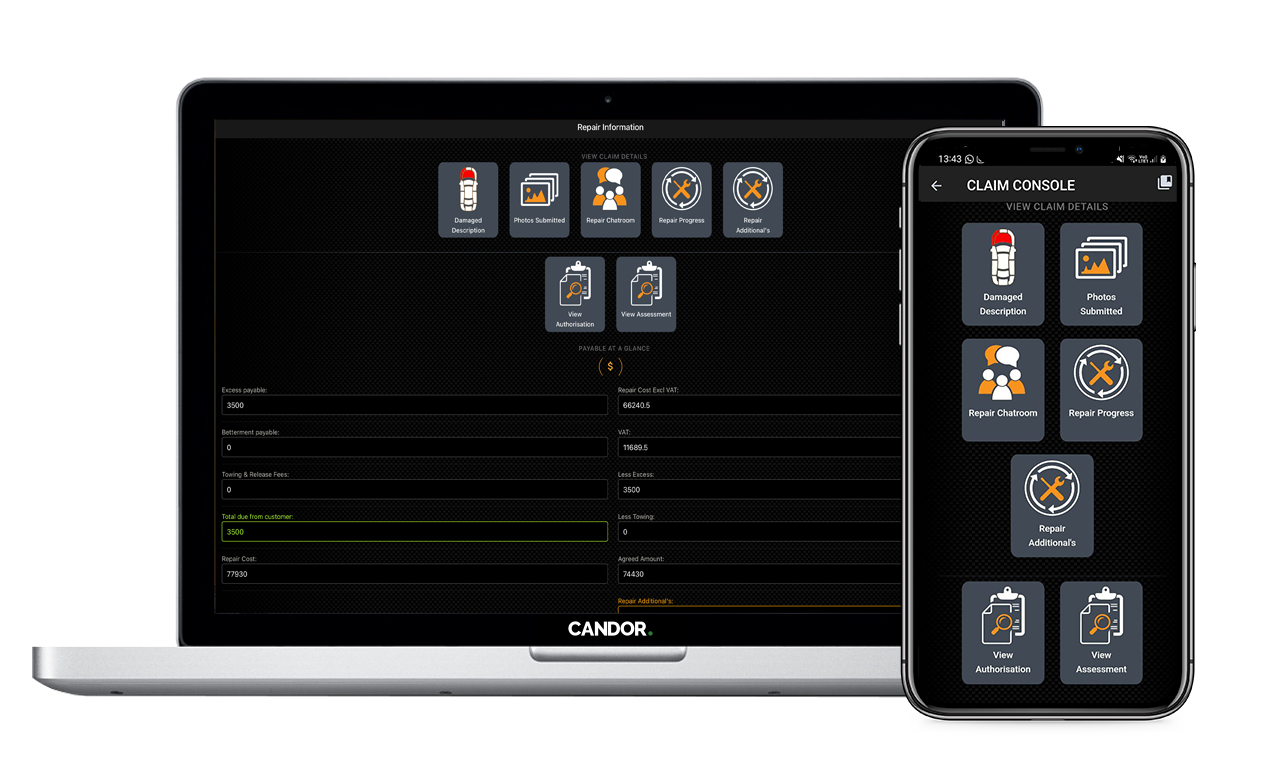
Access The Claim Console
Seamless Assessments and Approvals
Generate Costings:
The Authorisation form will have the repair shop already populated form the insurer, so therefore you can apply the applicable rates and costings accordingly.
Approve Additionals:
Any additionals encountered by the repair shop will be documented for approval. Comments can be attached to each.
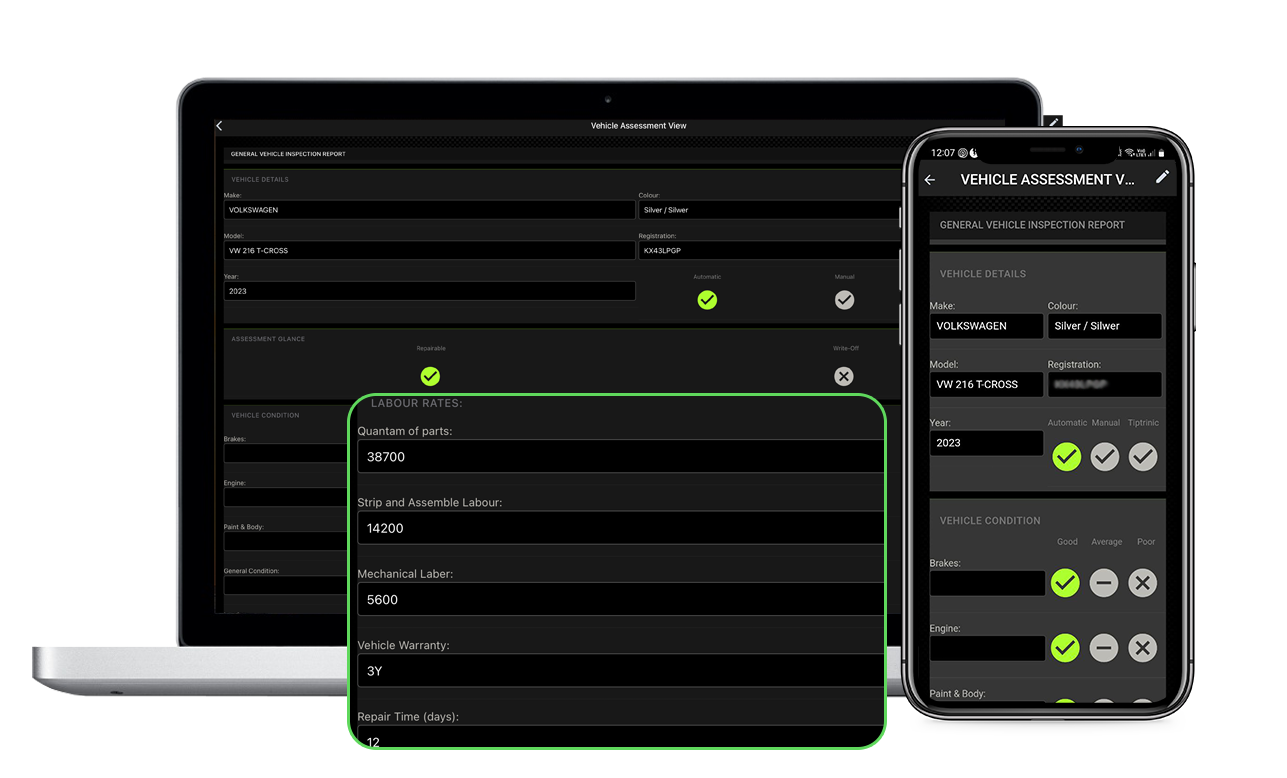
Paperless Assessment
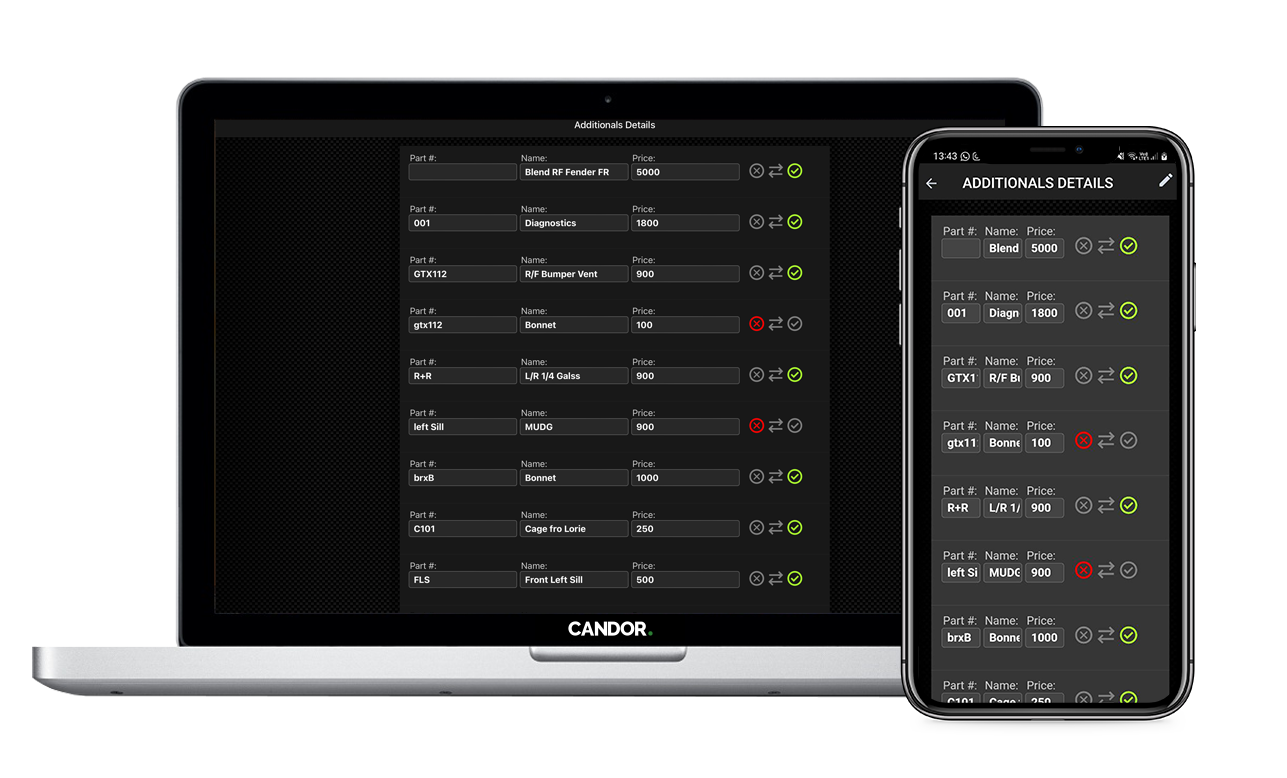
Accept or Decline Additionals
Tools to facilitate the entire process
We are not here to replace your current panel shop back-office (although we are capable of it), but here to seamlessly integrate the repair process ongoing with the client, all with transparency in mind.
We provide you with tools not only to keep the client up to date, but for your own internal telematics too.
The dashboard covers both front-end tasks, such as client facing communications, as well as back-office tasks, such as broker / assessor communications.
Keeping you and your clients informed at every step
Simplifying:
The Repairer console is a live dashboard, pulling though claims at the current state or its progress, and assigning it to relevant stages tabs. At a glance you will be able to have an overview of how may assets are at what stage of the claim process.
Streamlining:
When you sign on as a repairer, not only is your information available to brokers for choice, but you are automatically added to the database map for clients to choose should they search for a repairer.
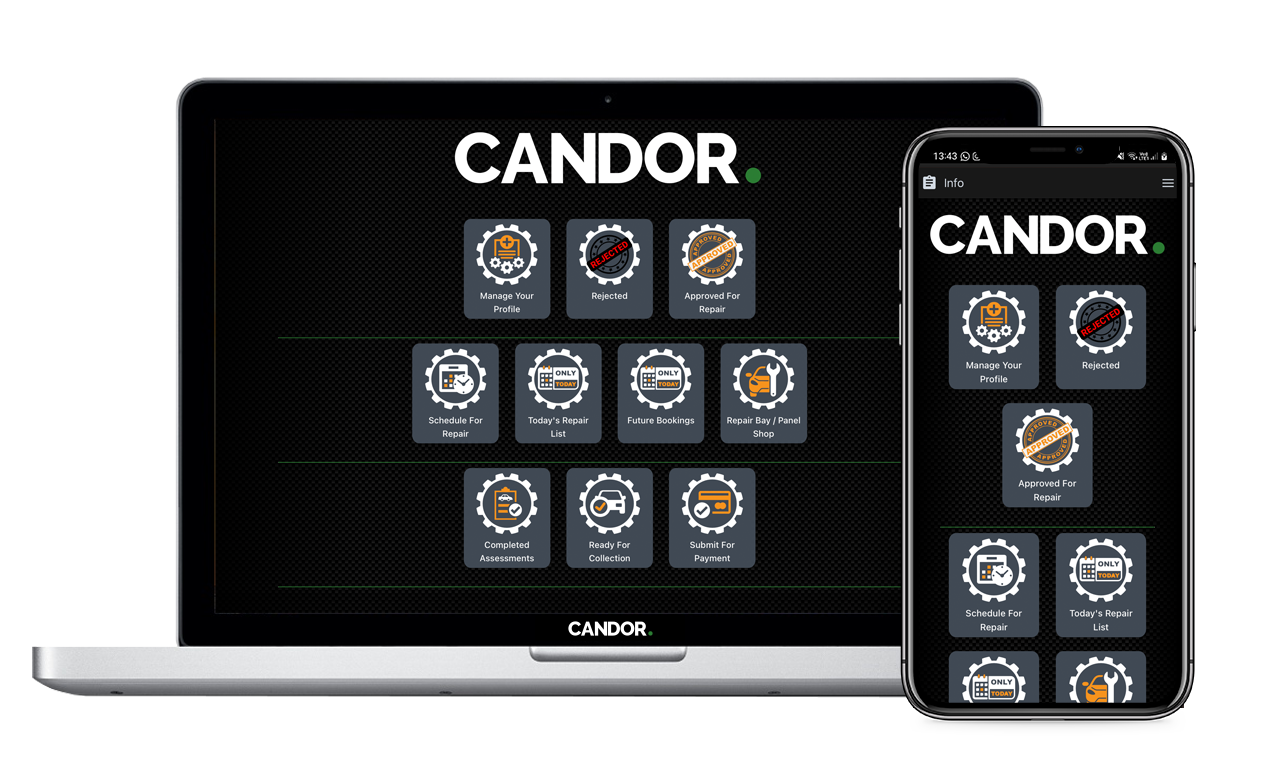
Repairers Dashboard
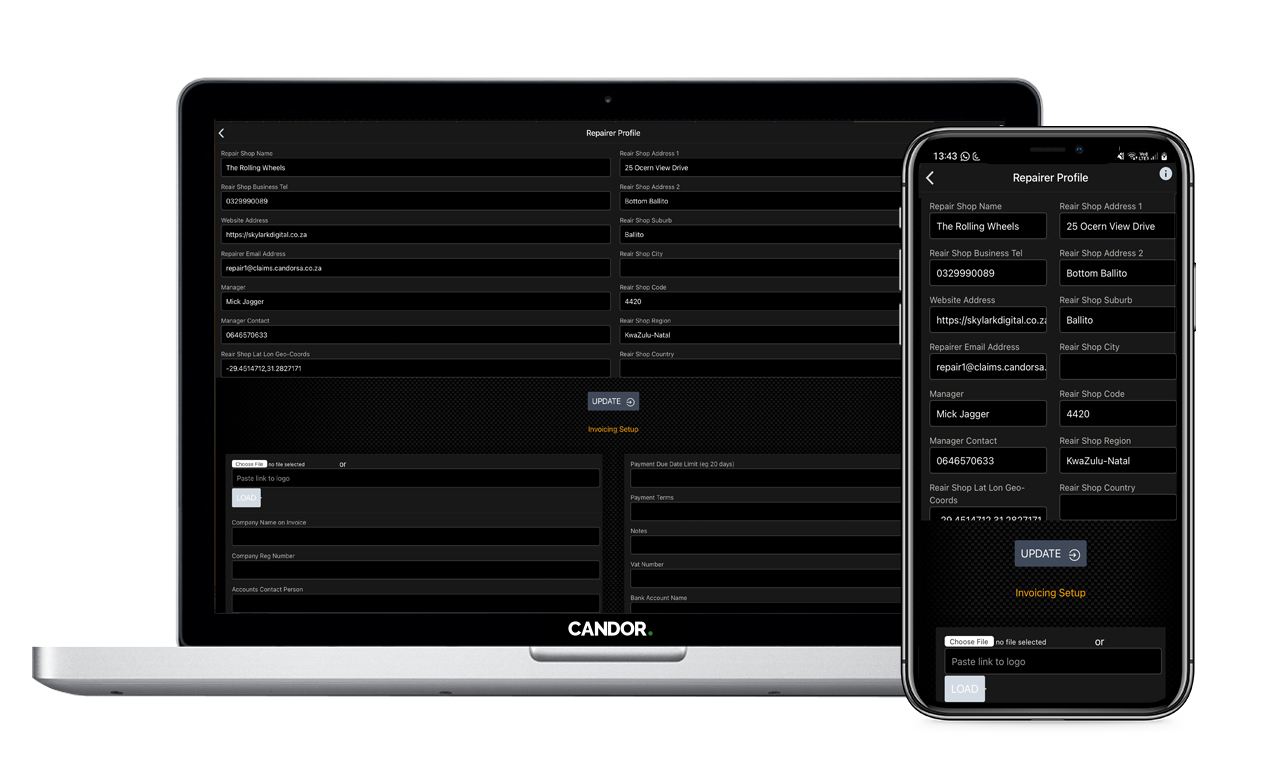
Admin Setup
The Repair Process
The Claim Profile:
When a claim is submitted, a host of other features are created and attached to it for use later on in the repair process.
The console lays out tabs to access those features, and facilitate the viewing of documents, images, and videos
Features allow you to:
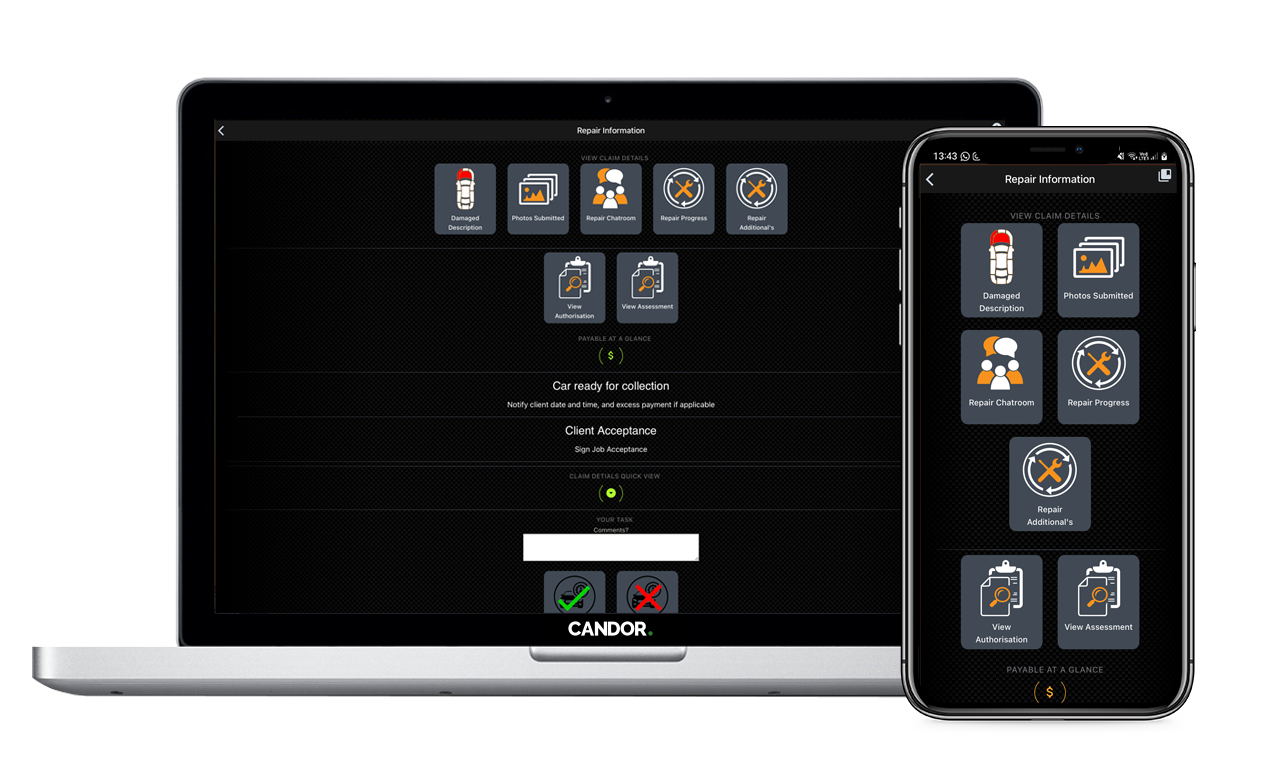
Claim Information
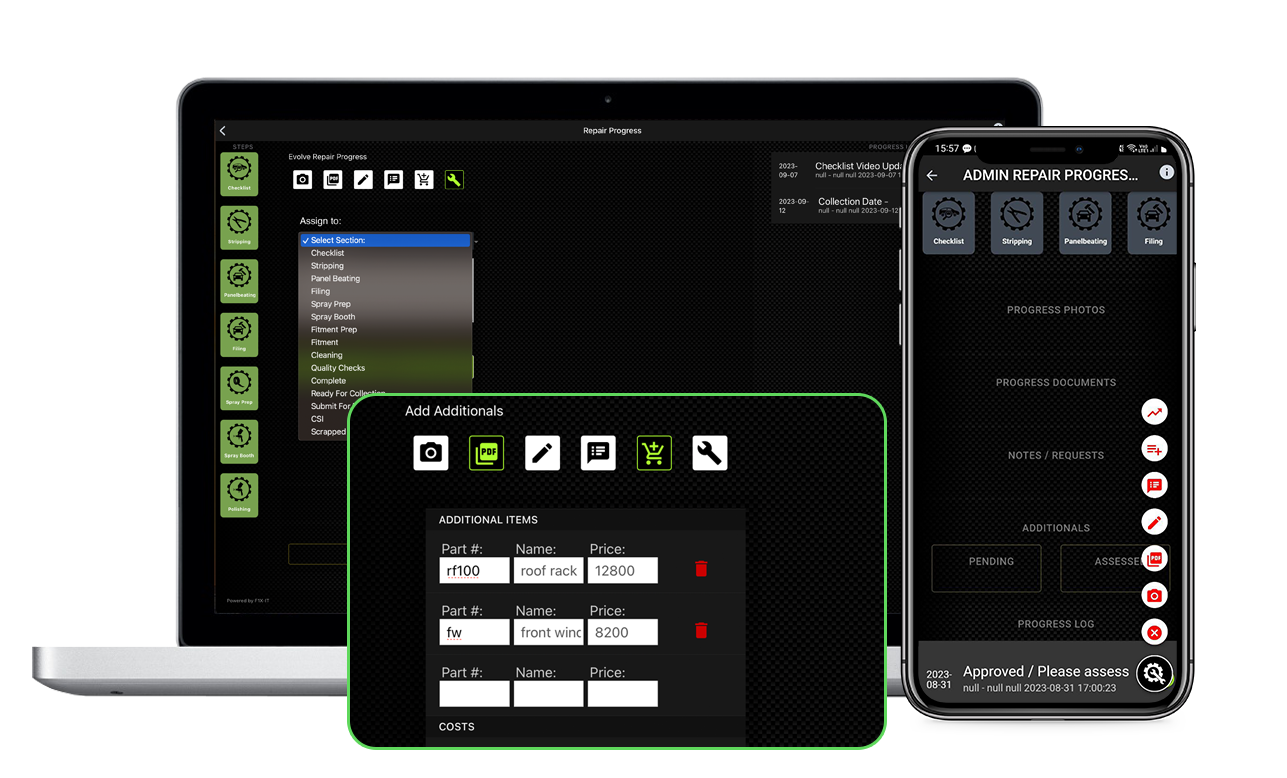
Repair Progress Dashboard
Accessibility for all
While a lot of the dashboard has client/claim handler interaction, not all are made available to the client on the user facing mobile application that they submitted the claim from, and likewise certain features are only available to clients on the mobile, eg: CSI
All images, videos and documents submitted are stored on our server, truncated when the claim is done, and only deleted after 5 years.
Information on the asset, repair, and prior activities are logged and recorded for future claims
At the end of each claim, the user is presented with a claim CSI that they can fill out. We store the results and make them available instantly, included the telematics involved with it, for your perusal.
Each section requiring a user to sign-off is presented with a digital signature card to sign, the results of which are stored as an image in the claims folder.

Access and Communications
The Claim Chatroom:
At any stage of the repair process, all parties have access to the claim chatroom to:
Claim Document Overview:
At a glance you are able to:
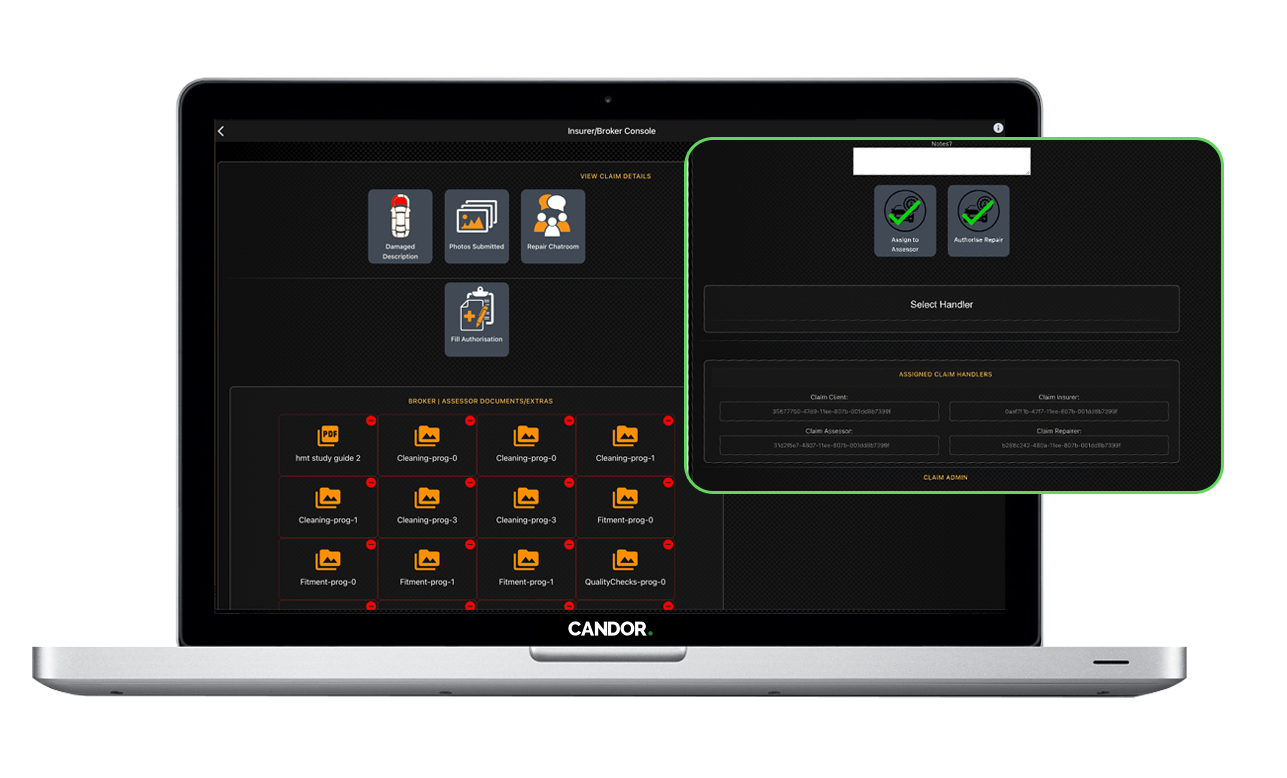
Document Overview
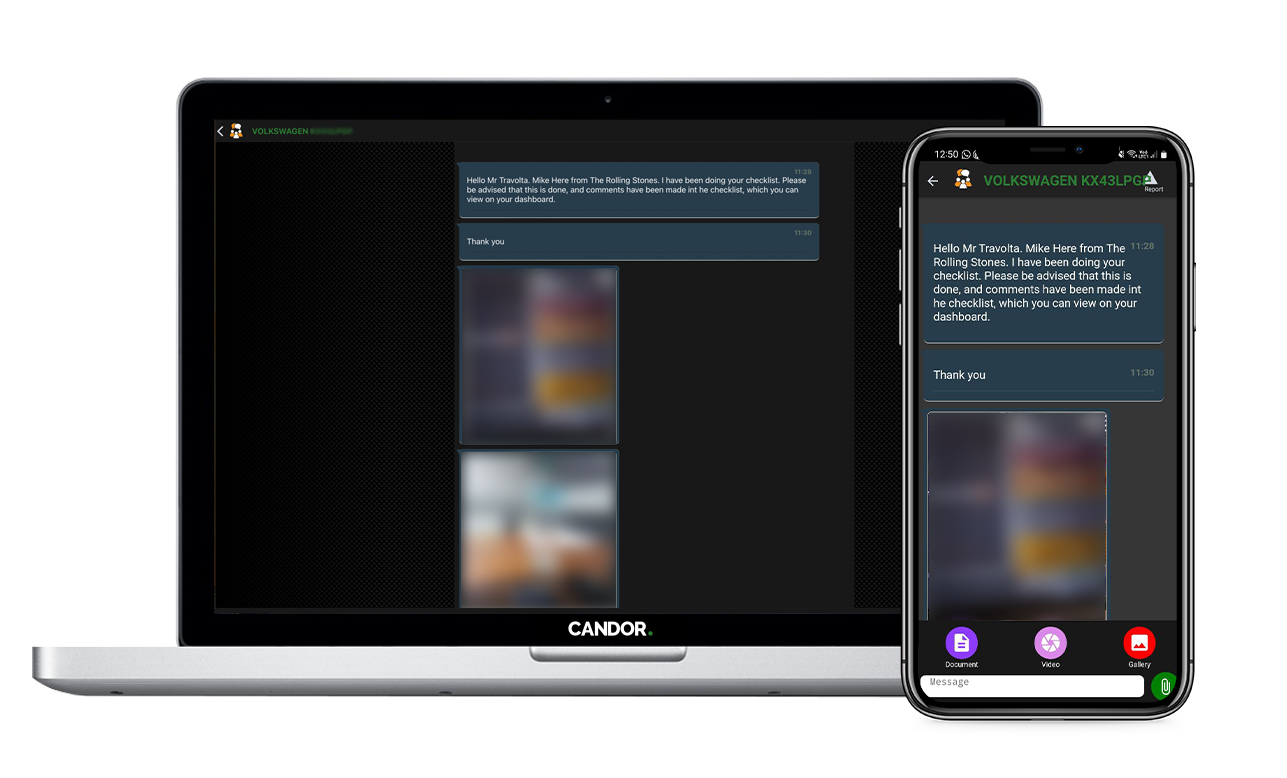
Repair Chatroom
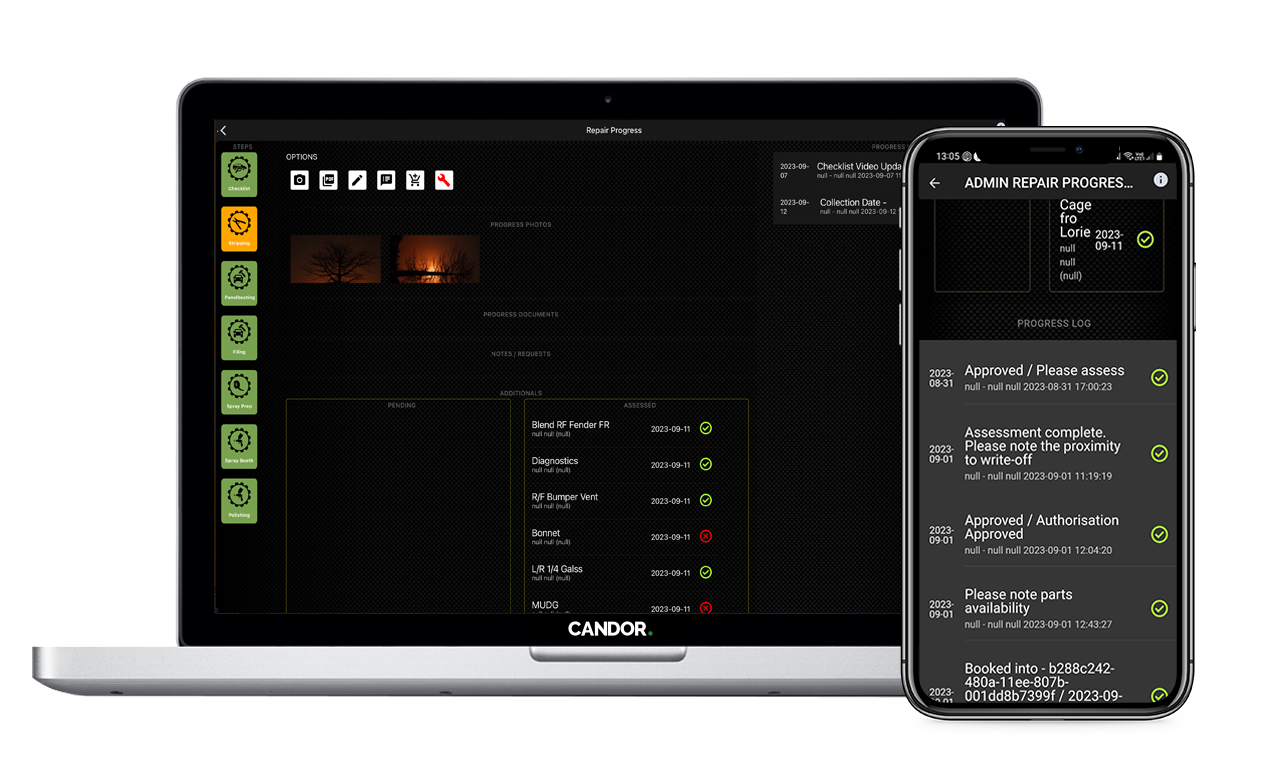
Detailed Activity Log
CSI & Telematics
At the core of Candor., our values are a commitment to honesty and transparency. That's why we provide our users with the opportunity to share their feedback through a Customer Satisfaction Index (CSI) survey. The results are prominently displayed on our admin dashboard, allowing all claim handlers to access and learn from your customers' opinions.
We also possess the capability to effectively monitor telematics data, such as repair times across different departments and the response times of the individual claim handlers. This valuable insight enables you to optimise your operations for efficiency and ensure timely responses to tasks in the future.
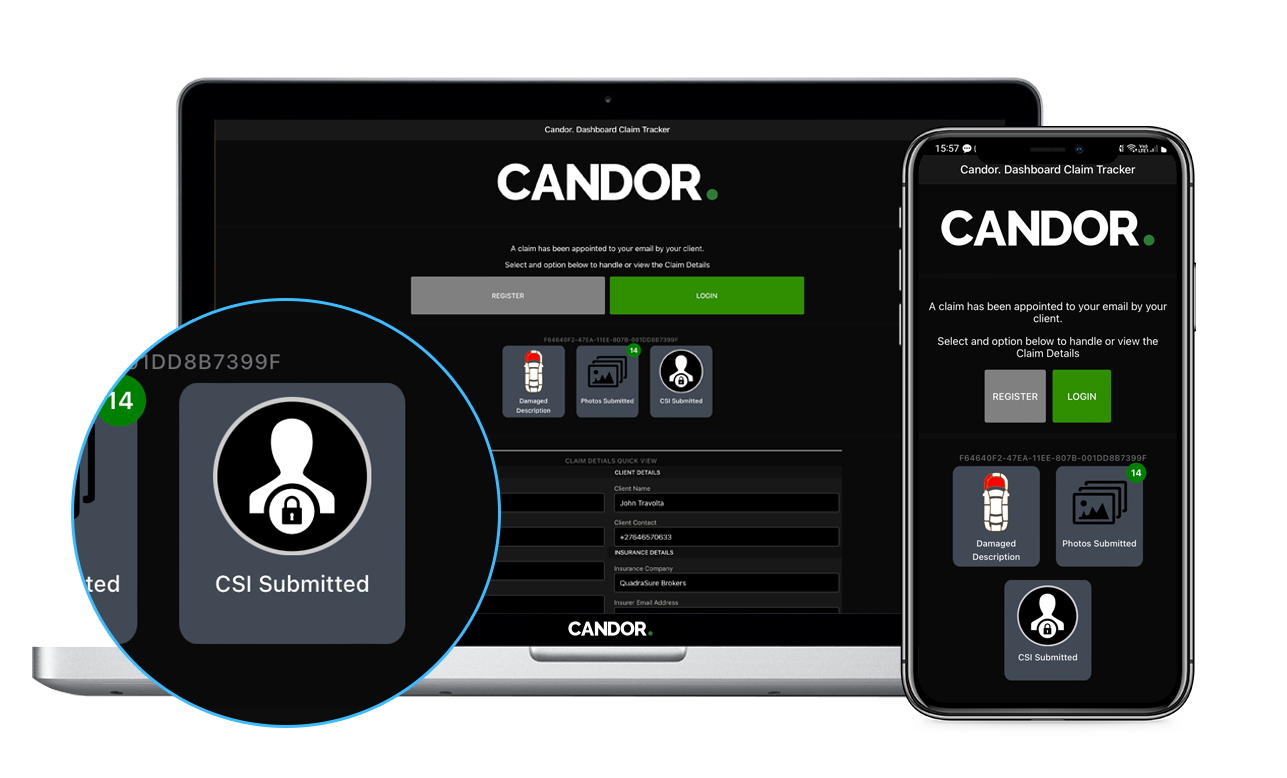
CSI TAB
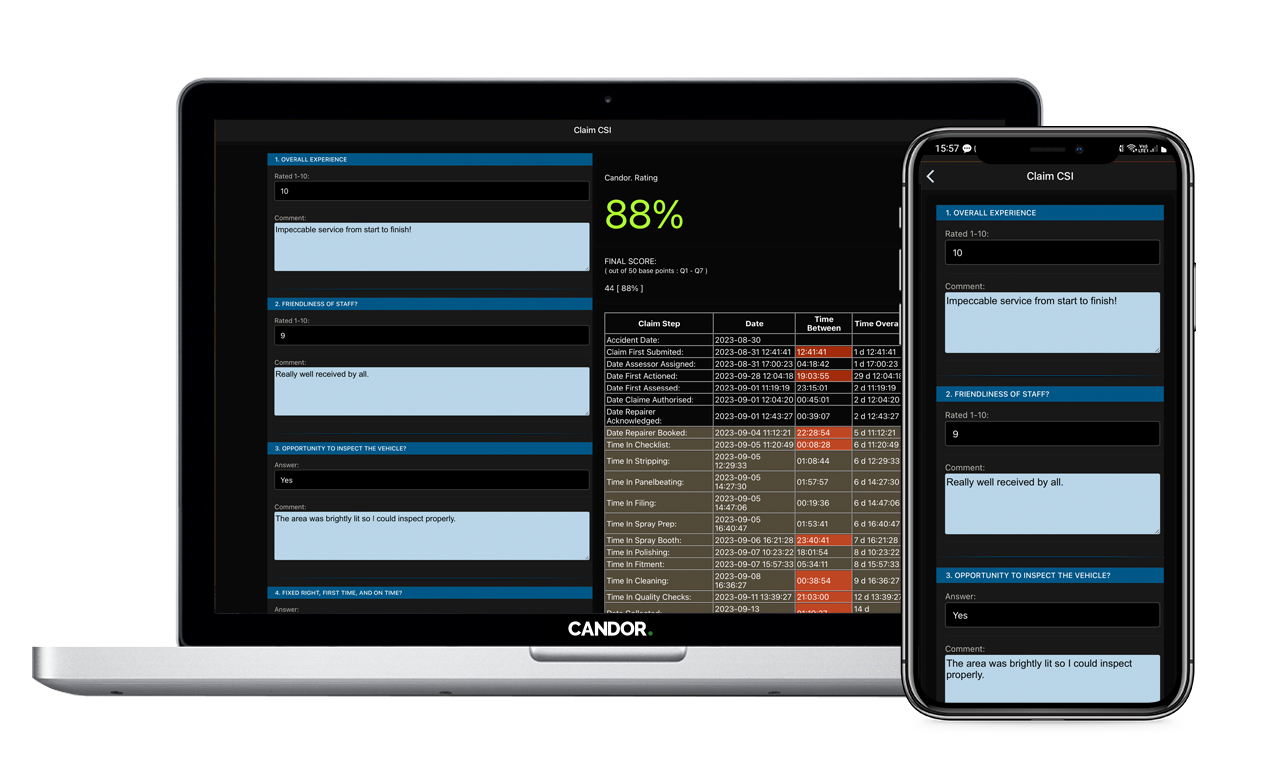
CSI Data with Claim Telematics
Lets just jump right into it!