




The Revolution in Accident Repair Claims!
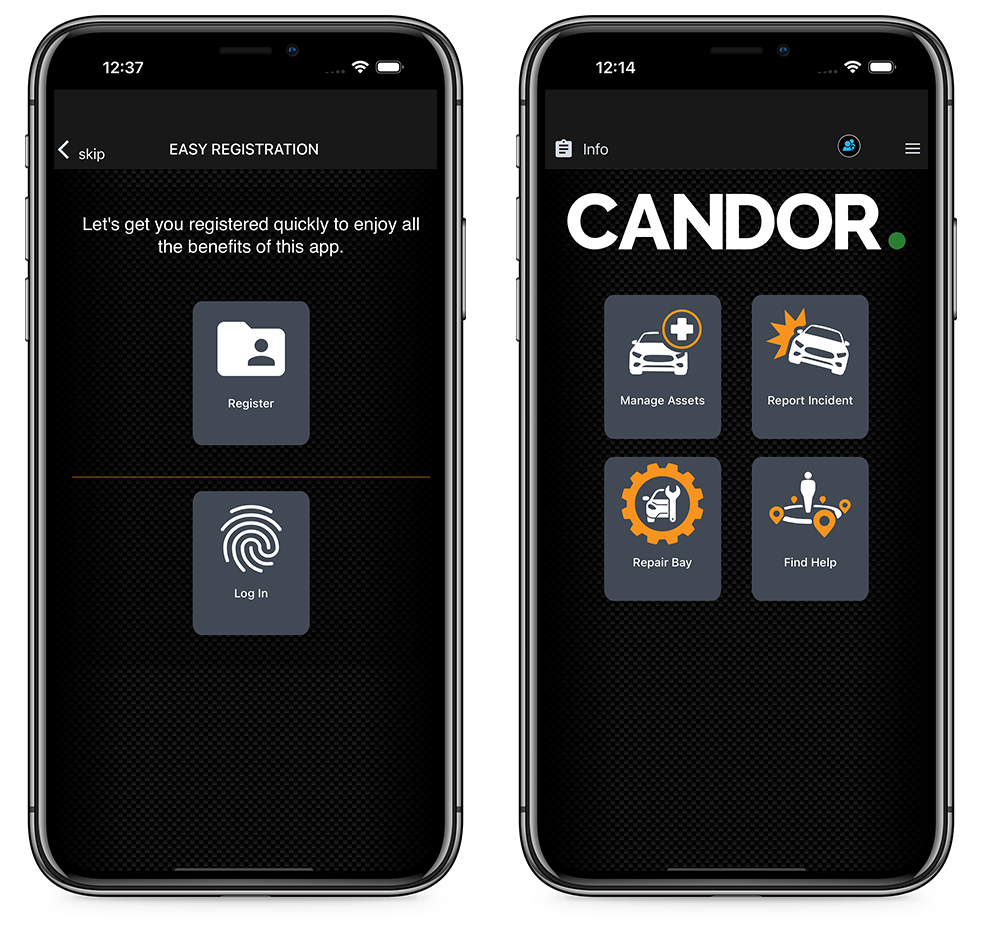
We've made registration or login to the app as simple as possible.
With Candor., you'll discover a new level of openness and honesty throughout the claims process. Our user-friendly interface ensures that you stay informed every step of the way. No more hidden fees or surprise costs — Candor. provides accurate and upfront pricing, giving you the transparency you deserve.
Submit claims effortlessly through the app and track their progress in real-time. Our network of trusted repair centers guarantees top-quality service, and you can monitor the repairs directly through the app. Rest easy knowing that your vehicle is in expert hands.
Candor. revolutionises the industry by putting you in the driver's seat, delivering a seamless experience that combines convenience, transparency, and superior customer service. Download Candor. today and reclaim control over your accident repair claims!
Let's just jump right into it!
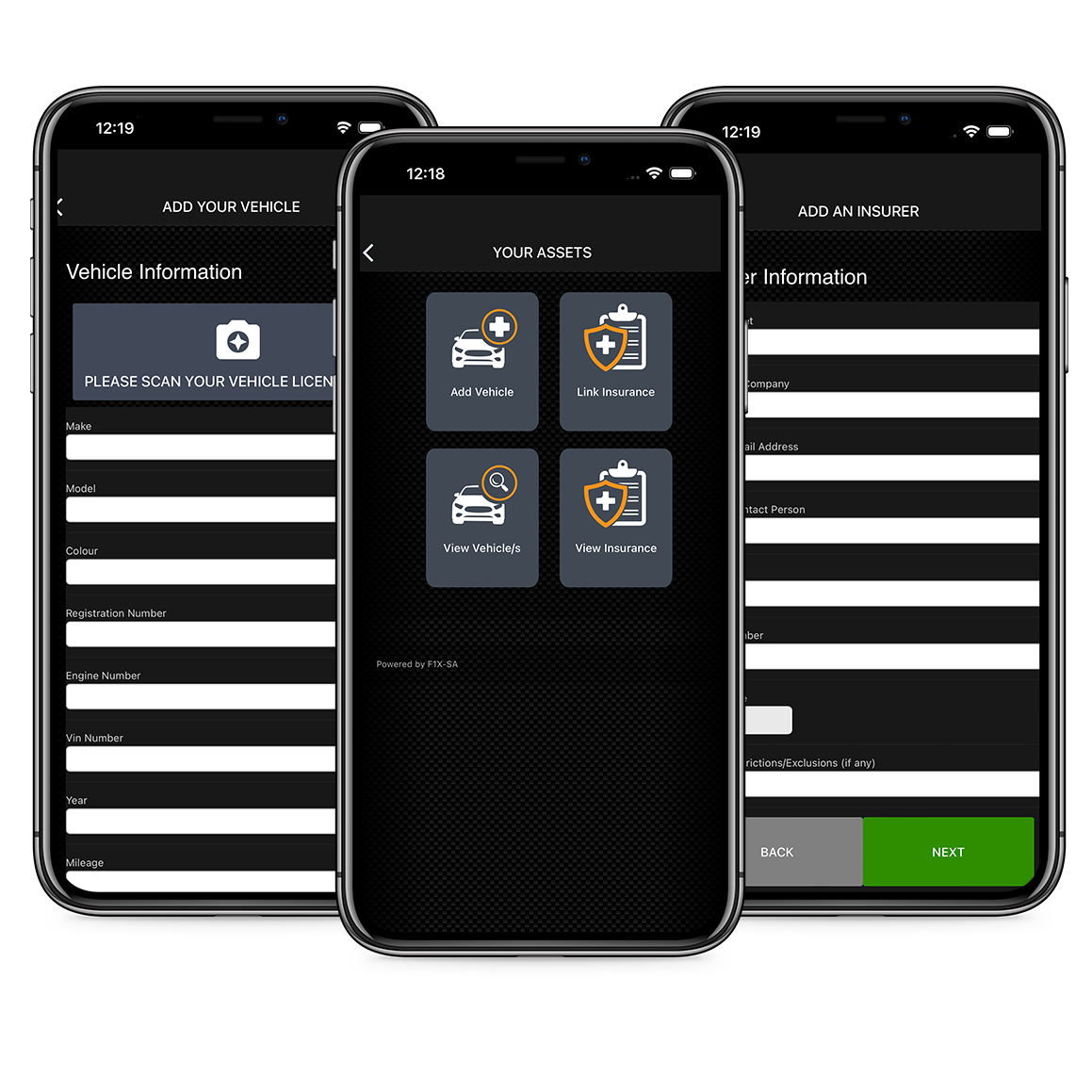
for Adding assets and insurance details
We understand the challenges you face when it comes to managing vehicles, assets, and insurance claims efficiently. That's why we have developed a user-friendly platform that empowers you to take control of your claim process, making it faster and more convenient than ever before.
Here, you have the option to add a vehicle or asset with just a few clicks. Whether it's a car, truck, or any other valuable asset, our intuitive interface allows you to effortlessly input the necessary details, such as: make, model, and identification information. Gone are the days of complex paperwork and manual data entry.
Start Your Claim in 7 Simple Steps
We are excited to introduce our hassle-free claim initiation feature on Candor.. Starting a claim has never been easier or more convenient. With just a few taps, you can begin the process of getting your vehicle or asset back on track. Let us guide you through the 7-step journey towards a seamless resolution.
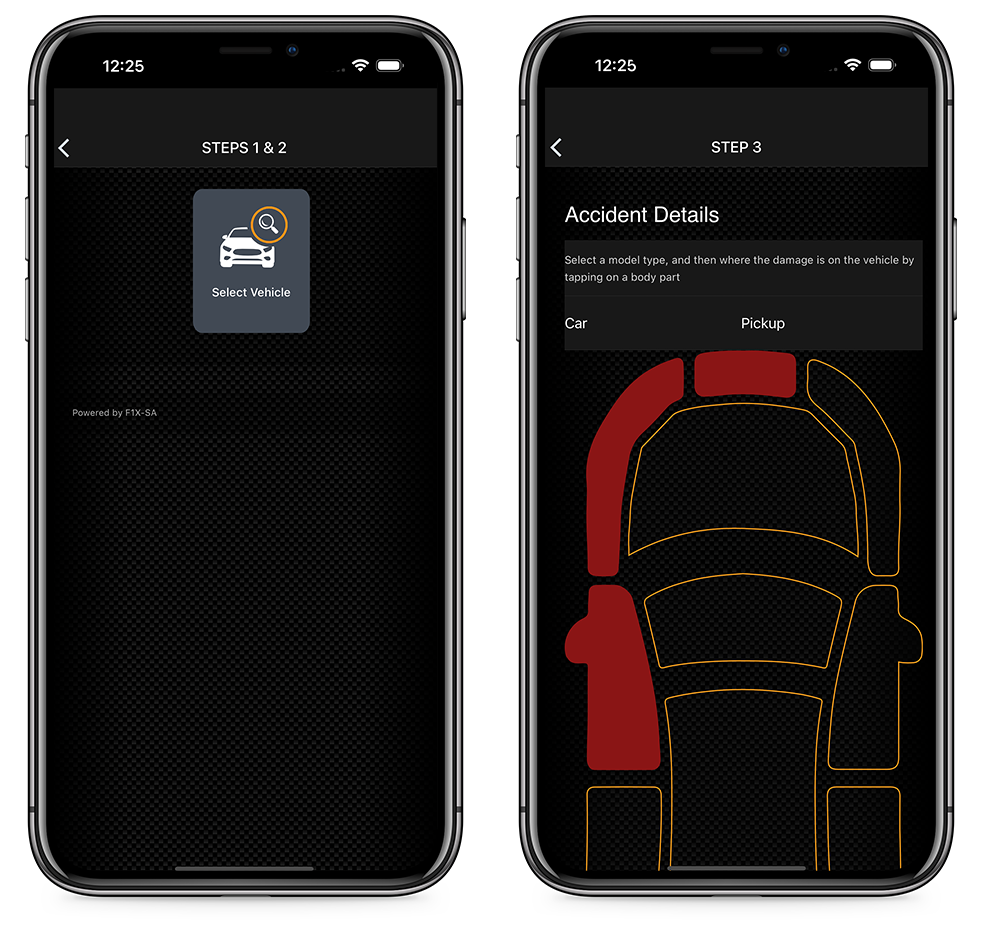
Step 1: Choose Your Vehicle or Asset:
On this page, you will find a comprehensive list of the vehicles and assets you have previously loaded into the app. Simply select the one involved in the incident to initiate the claim process.
Step 2: Verify Asset Details and Linked Insurer:
Before proceeding, we present you with an overview of the selected asset and its linked insurer. Double-check the information to ensure accuracy and proceed confidently.
Step 3: Provide Accident Information:
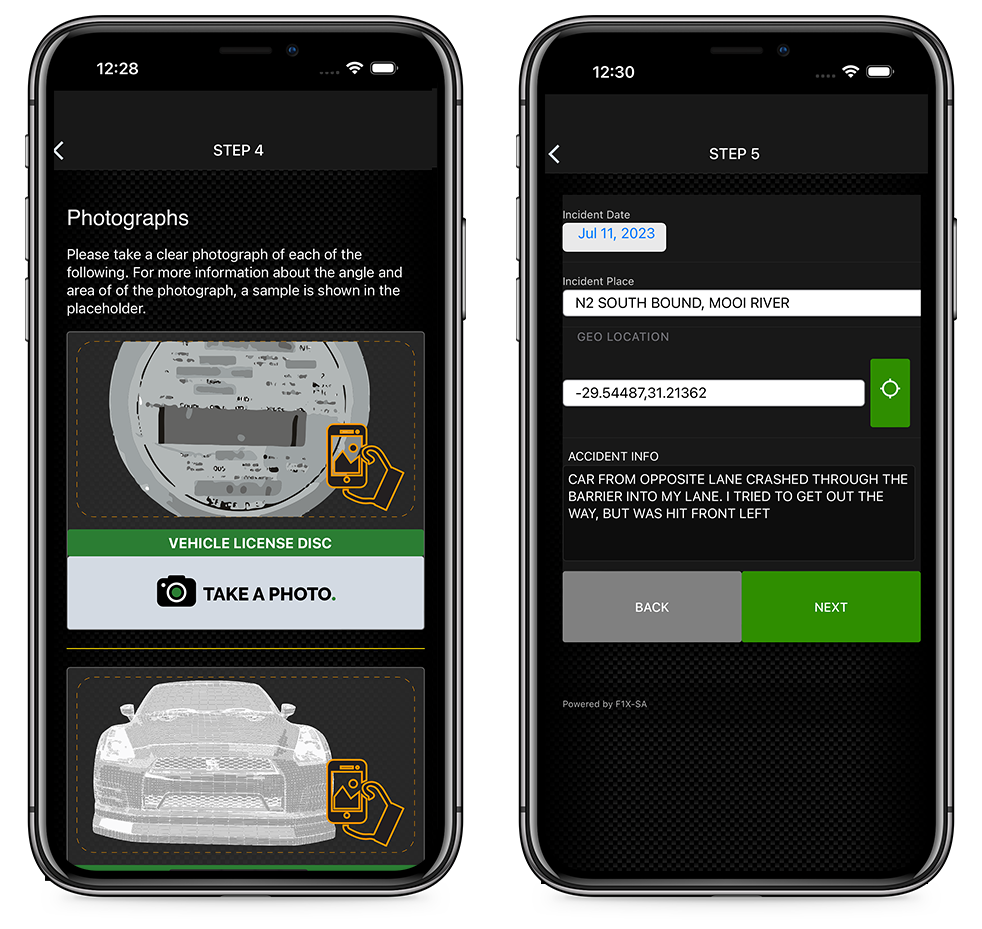
We understand the importance of gathering all relevant accident details. In this step, you will be prompted to enter key information such as the date, time, location, and a brief description of the incident. This information will help streamline the claims process and expedite the resolution.
Step 4: Capture Damage Photos:
In this step, you will be prompted to take clear and detailed photos of the damages sustained to your vehicle or asset. Our app provides easy-to-follow guidelines for capturing the necessary angles, ensuring that your claim assessment is accurate and thorough.
Step 5: Sketch the Scene:
To further assist with documentation, our app allows you to sketch the scene of the accident. Use our intuitive sketching tool to recreate the layout, including the positions of vehicles, objects, and any relevant markings. This additional visual representation enhances the accuracy of your claim.
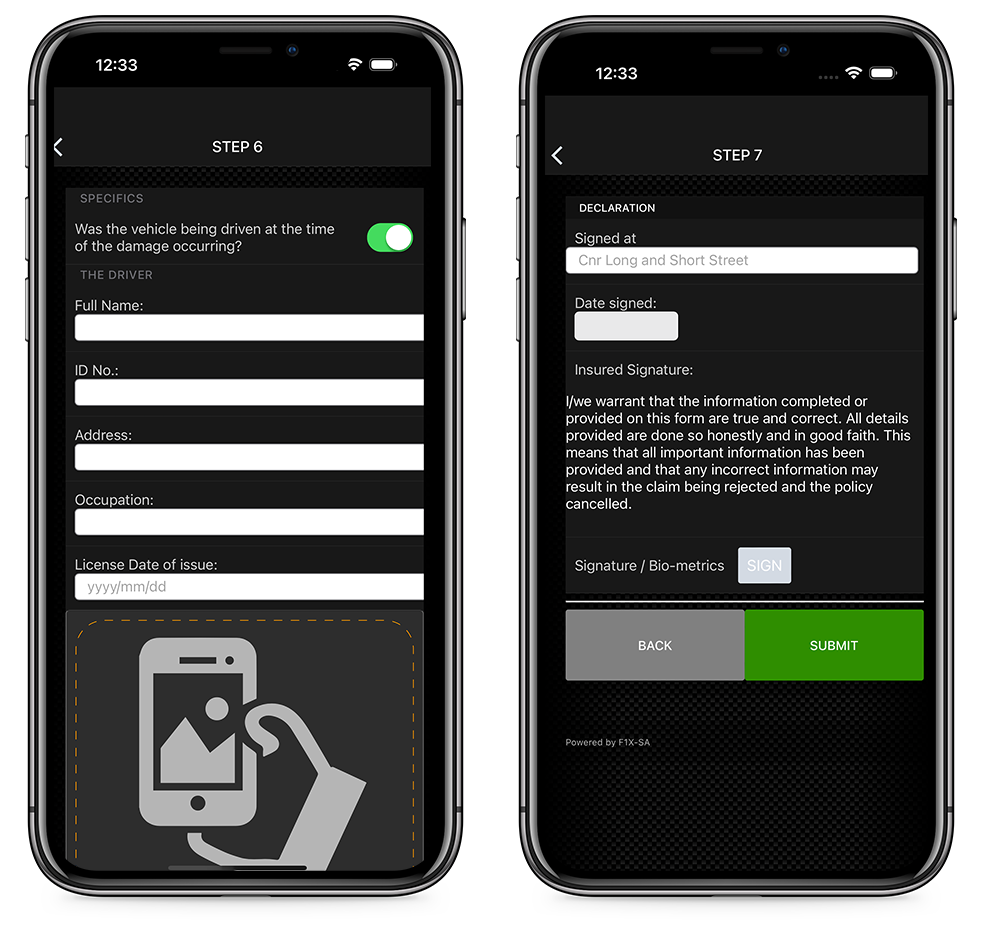
Step 6: Provide Information on Other Parties/Assets Involved:
If there were other people or assets involved in the accident, we provide a dedicated section to collect their information. You can input details such as names, contact information, and insurance details of other parties, facilitating smoother communication and coordination during the claims process.
Step 7: Review and Submit:
Before finalising your claim submission, we present you with a summary of all the information you have provided. Take a moment to review and ensure accuracy. Once satisfied, simply hit the submit button to initiate the claim.
Let's just jump right into it!
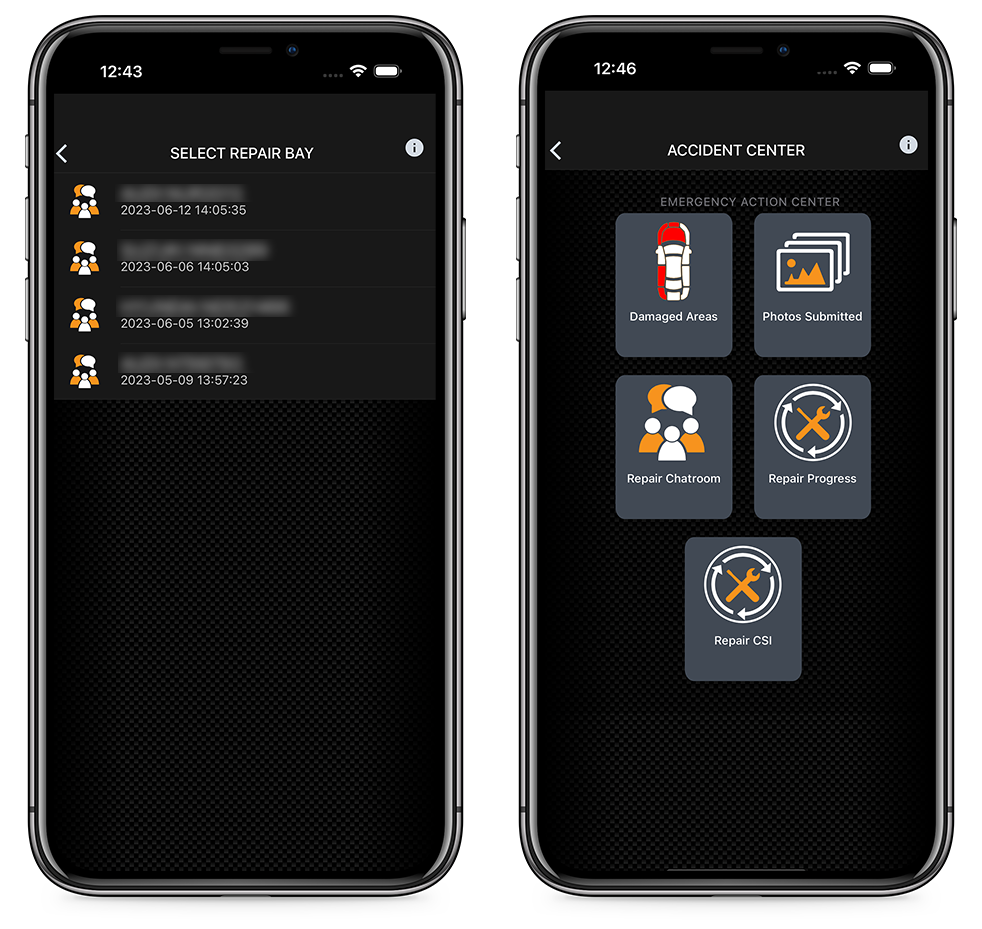
Once a claim has been processed, you'll find all the detailed repair information and repair processes in the repair bay for each asset submitted.
For those that might have more than one claim submitted, we'll provide you a list with vehicle name, registration number, and date submitted for you to easily identify and choose from in the Repair Bay, which will open up the Repair Center.
The Repair Center is presented in a format that has sections linking you to:
Experience the convenience and efficiency of Candor. today. Start your claim journey with us and let us guide you towards a smooth resolution.
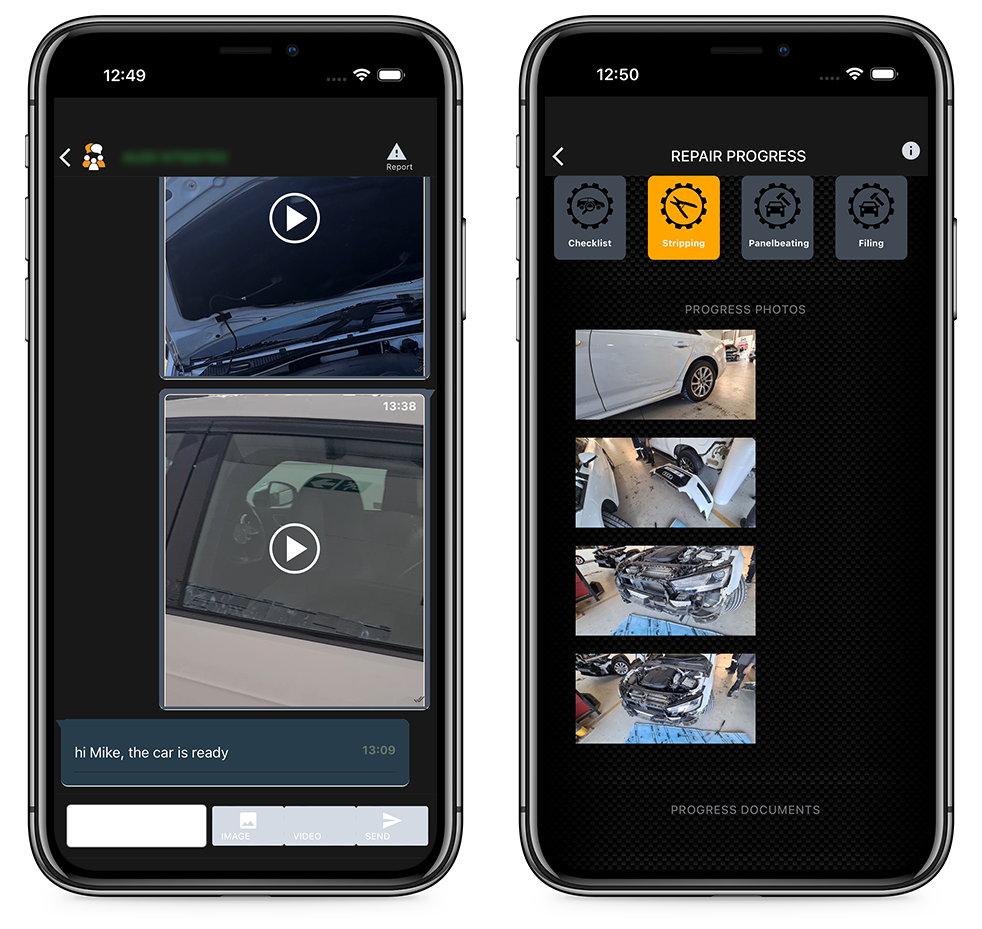
Getting you in touch with someone on the other end is invaluable, so we've created the perfect space for that to happen.
Each claim gets it's own encrypted, dedicated chat room that puts you in touch with the repairer and assessor. Each repair gets access to a Progress Repair section, and we'll keep you informed by notifying you each time the repair status changes.
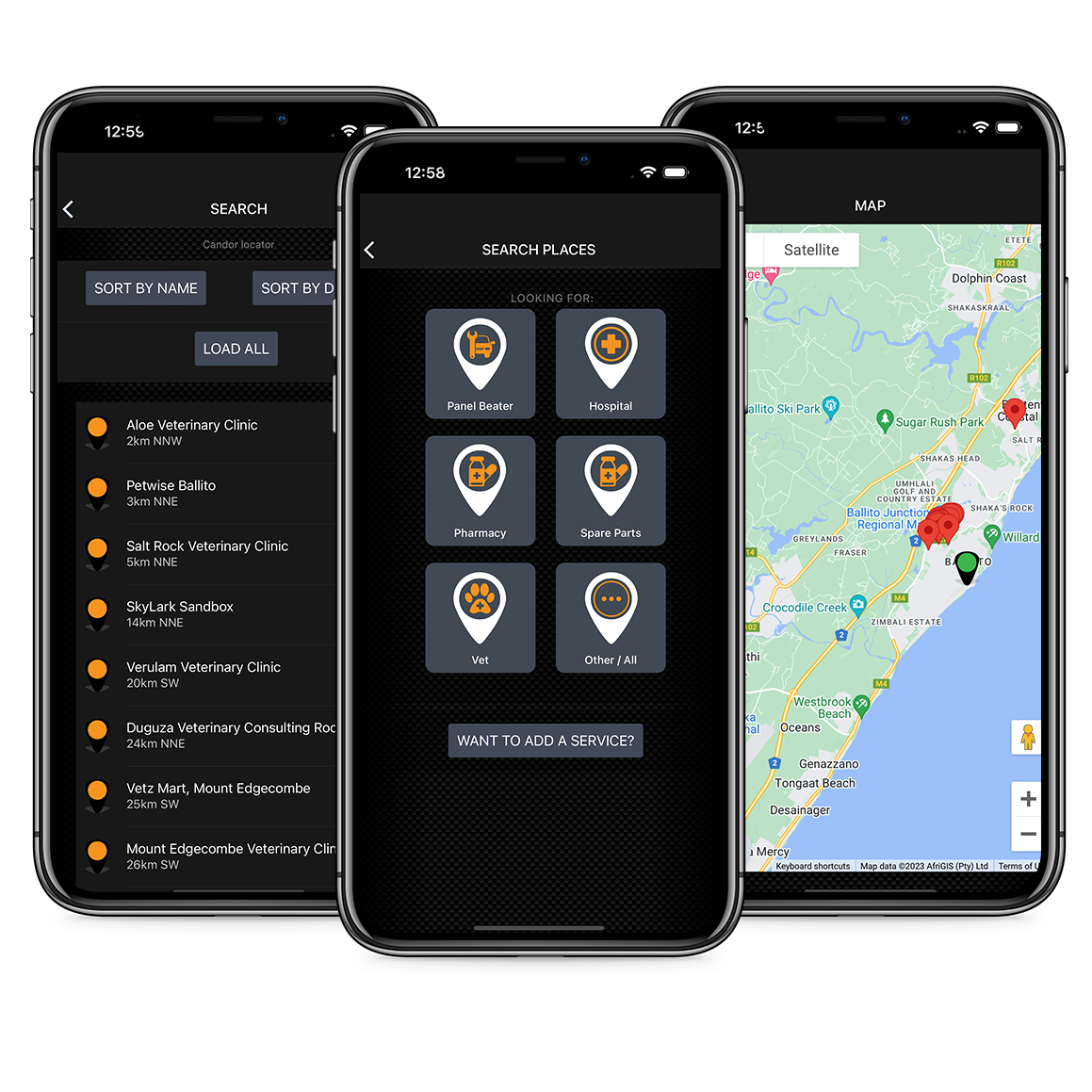
Locating assistance at a time of need couldn't be easier.
Need to find a repair shop, vet, hospital or any other accident or repair related topic, then we have the perfect solution for you. All map locations are sorted by distance closest to you too.
Tapping on a link will pull though the contact details, and even guide you there via an interactive map.
It's all about you, and your safety too.
Your Profile
What's an app without a few personal and security features integrated?
We have integrated personal features that follow through with the rest of the app.

Let's just jump right into it!